
How Nail Salons Use AI in 2026: Try-On, Bookings, and Content
How nail salons use AI in 2026 for consultations, fewer redos, faster bookings, and posts. Preview looks with clients before the chair, then reuse winning designs.
By NailMock Team
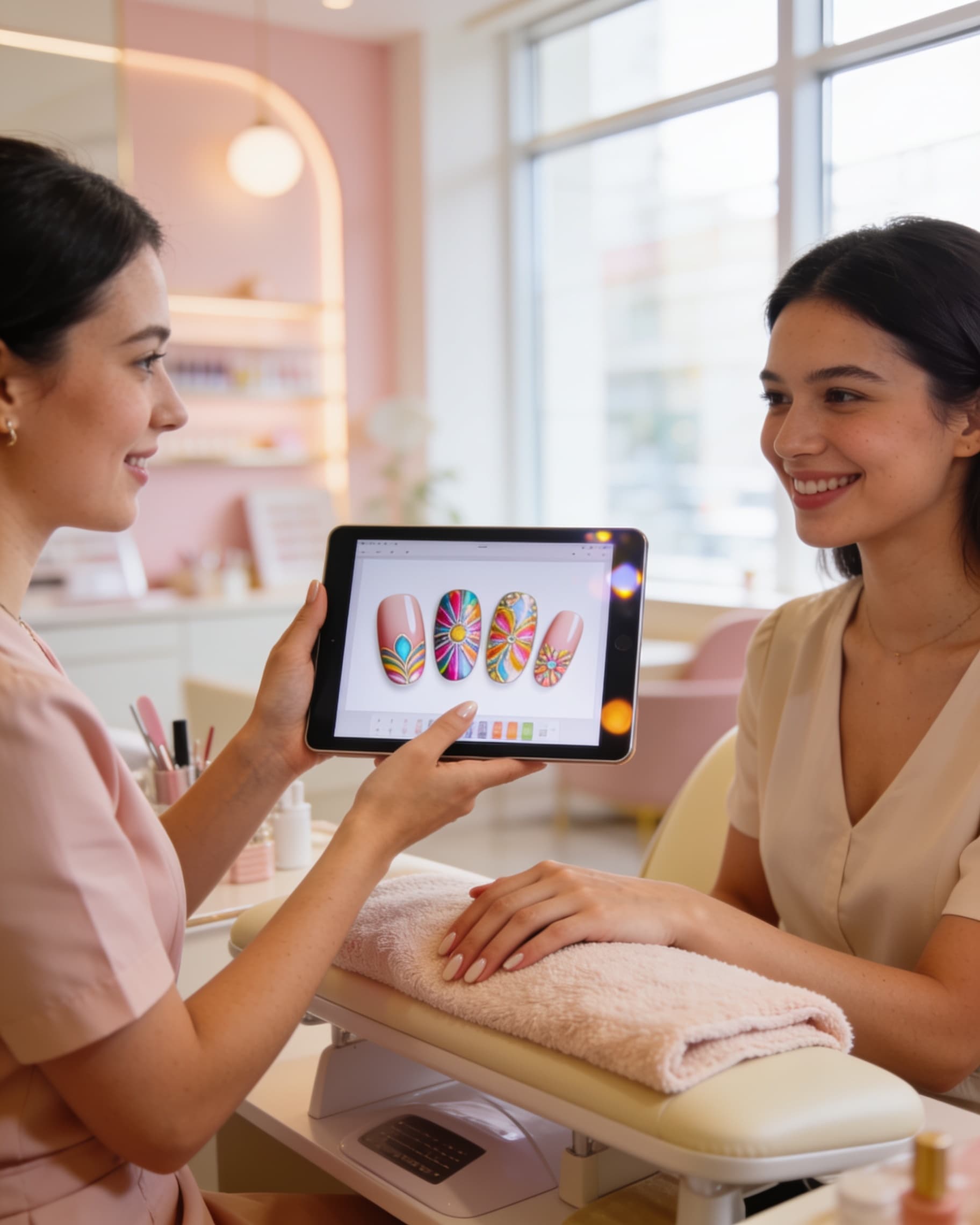
Nail salons that use AI in 2026 are not replacing technicians. They are shortening the guesswork between "I saw this on TikTok" and a booked, wearable set. The useful loop is simple: preview on the client's real hands, agree on shape and coverage, then reuse that look for chair service and social posts. This guide covers where AI actually helps on the floor, what to skip, and how to roll it out without slowing a busy Saturday.
Where does AI help a nail salon the most?
The highest-ROI jobs are consultation, redo prevention, and content, not generating random art while a client waits for top coat. A photo of the client's hands plus two or three options beats a phone dump of ten unrelated screenshots. Clients decide faster when they see chrome, French, or short-nail looks on their own nail beds instead of on an influencer.
NailMock is built for that salon loop: try-on in a shared workspace, saved client history, and viral content templates when you want the same look on TikTok or Instagram. For plans and team seats, start on for salons.
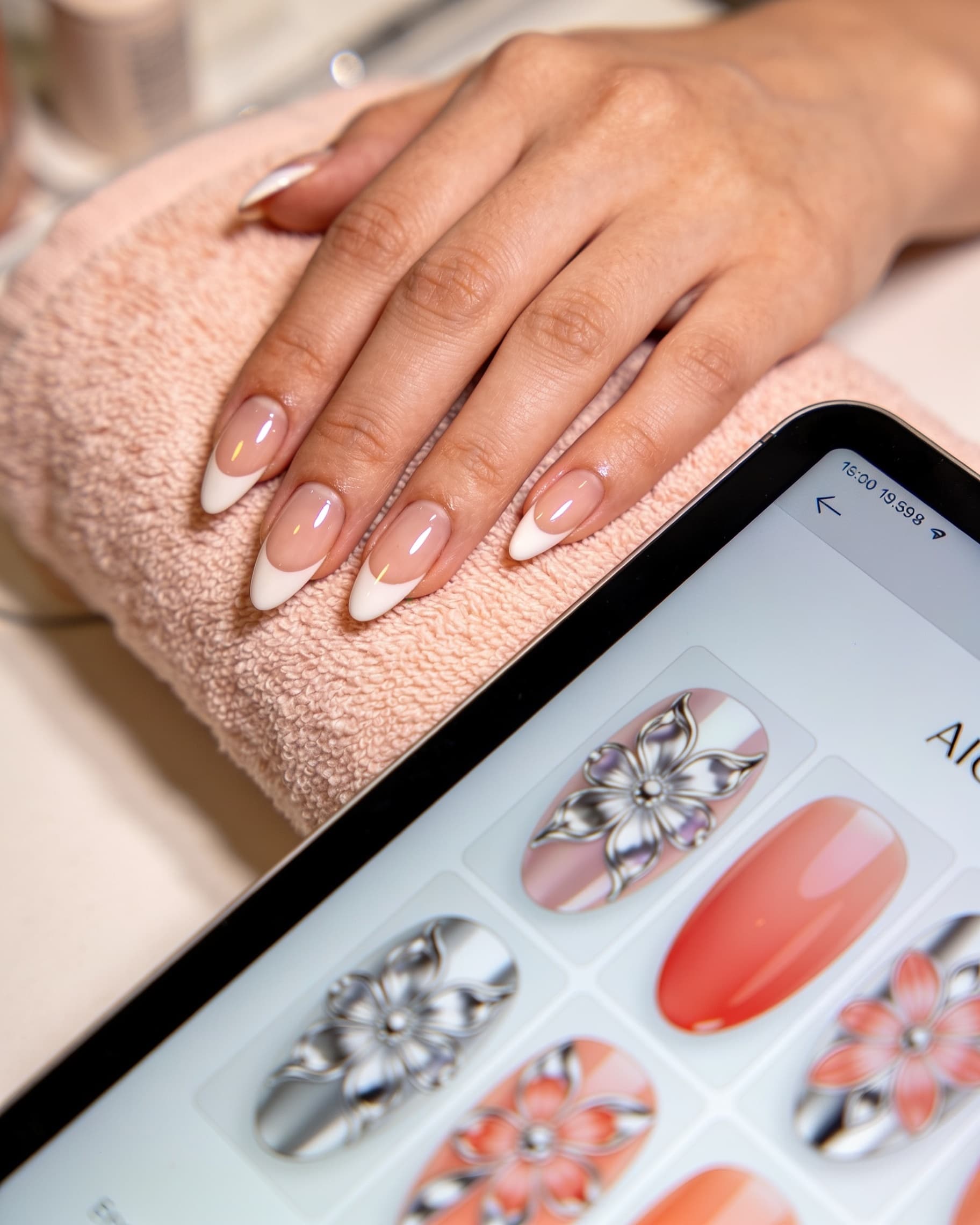
- Consult: 2 to 3 previews, not 15 open tabs
- Commit: client picks coverage, length, and 3D height before you start
- Reuse: save the winner for the next fill and for posts
- Skip: using AI as a substitute for sanitation, fill skill, or consent
How do you run an AI consultation without losing chair time?
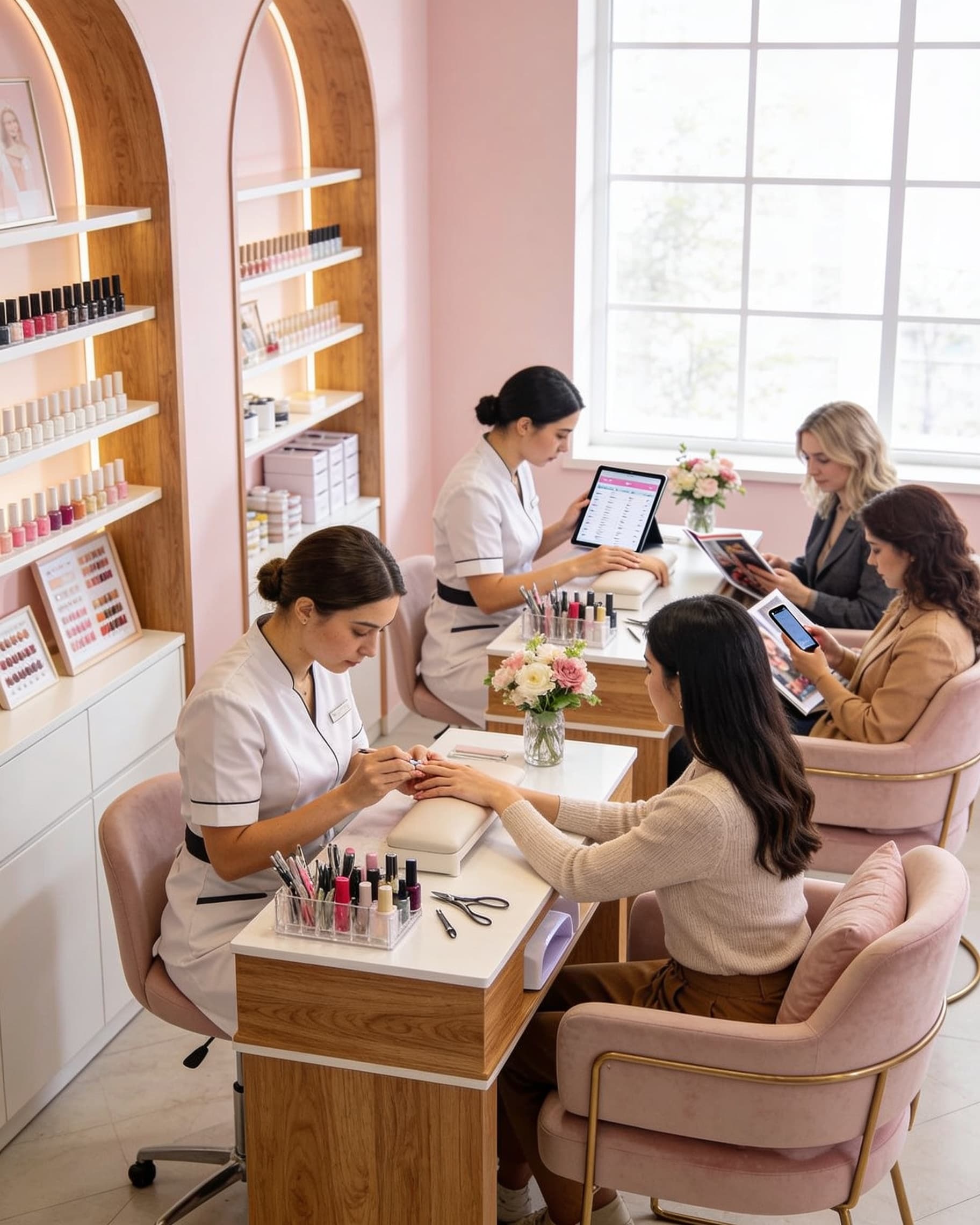
Keep it under five minutes. Capture one well-lit hand photo, generate two looks the client already named (or two from your nail inspo board), and ask them to pick A or B. If they hesitate, add one safer variant: same colors, less 3D. Then write the winner into the ticket: shape, length, accent count, and "flat vs raised."
Do not generate while the soak-off is running unless you have a dedicated consult tablet. Busy salons park try-on at check-in or at the chair before removal. The goal is a shared screenshot both of you can point at, not a perfect render. Pair this with the shorter chair preview workflow once staff have the habit.
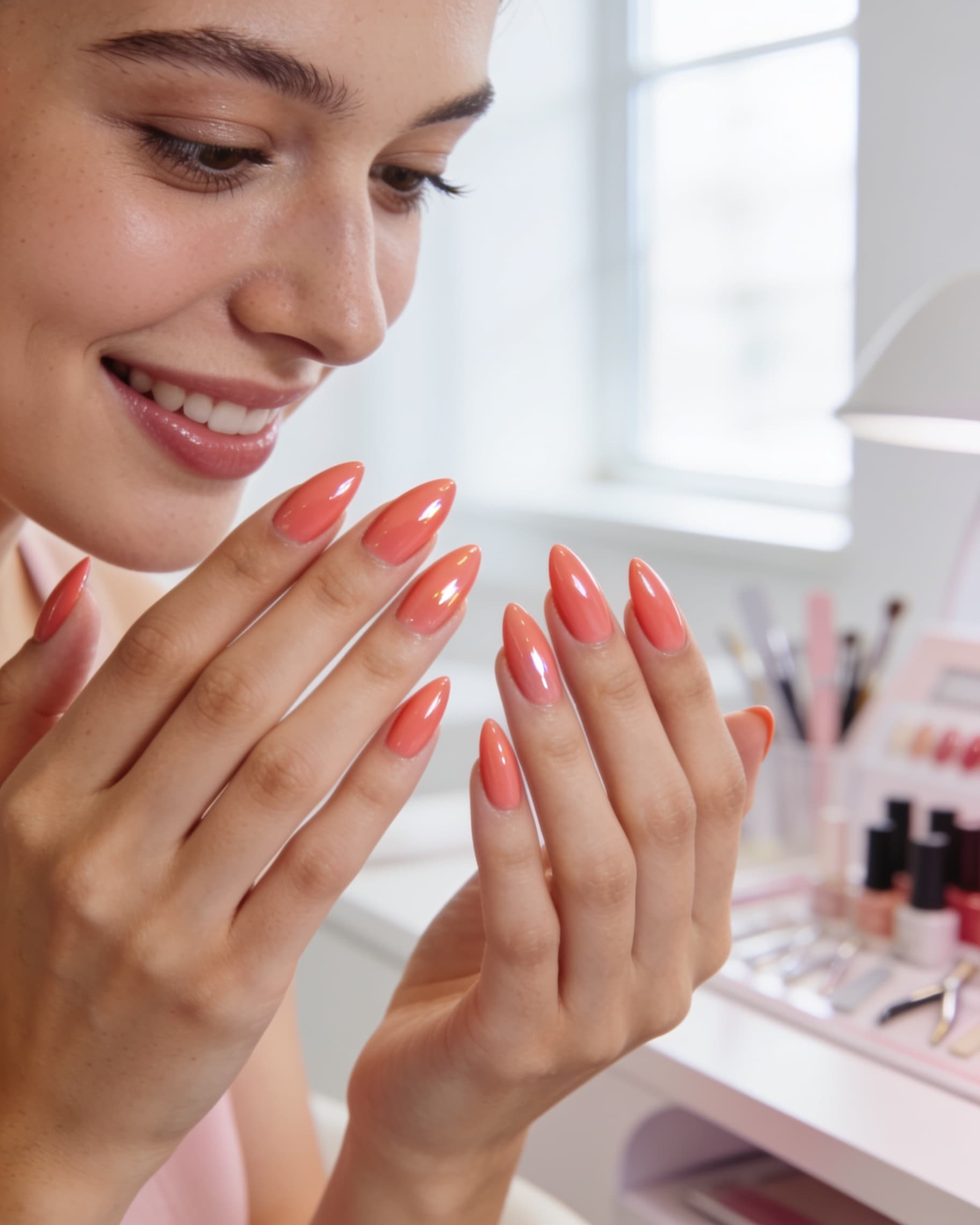
Script the choice
Ask "full set or two accents?" before you generate. AI cannot save a consult that starts with "just make it cute."
Can AI reduce redos and "this is not what I wanted" fills?
Redos usually come from scale, not color names. A client saved a long stiletto from the gallery and has short natural nails. AI try-on makes that mismatch obvious before you overlay. Same for ombre fades, tortoiseshell patches, and jeweled sets: show density and height on their real free edge.
Save the approved preview on the customer record. Next fill, you start from last month's photo instead of a new Pinterest hunt. That is operational AI, not a gimmick: fewer mid-service redesigns, fewer comps, calmer Saturday tickets.
How should salons use AI for Instagram and TikTok without extra shoots?
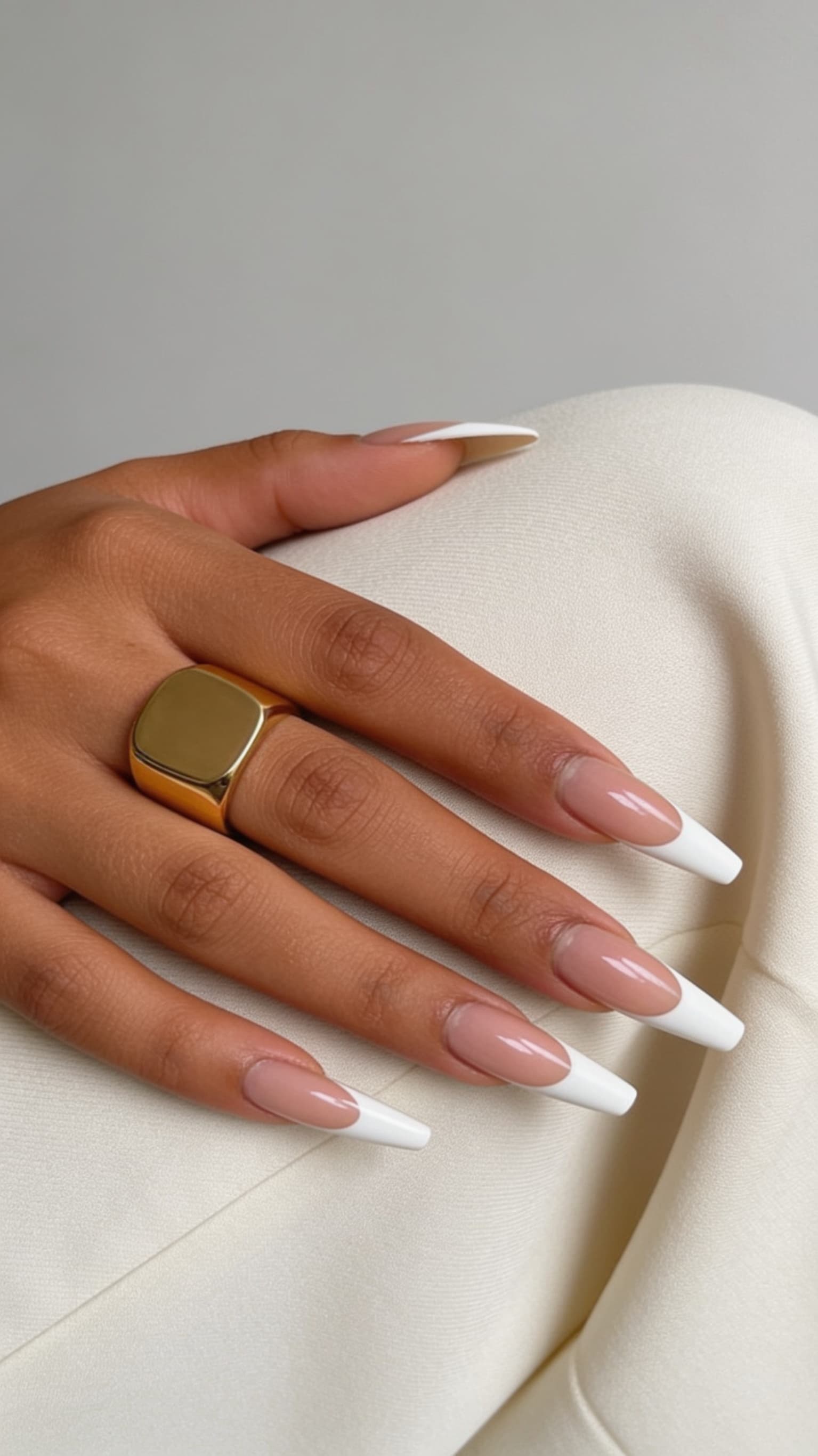
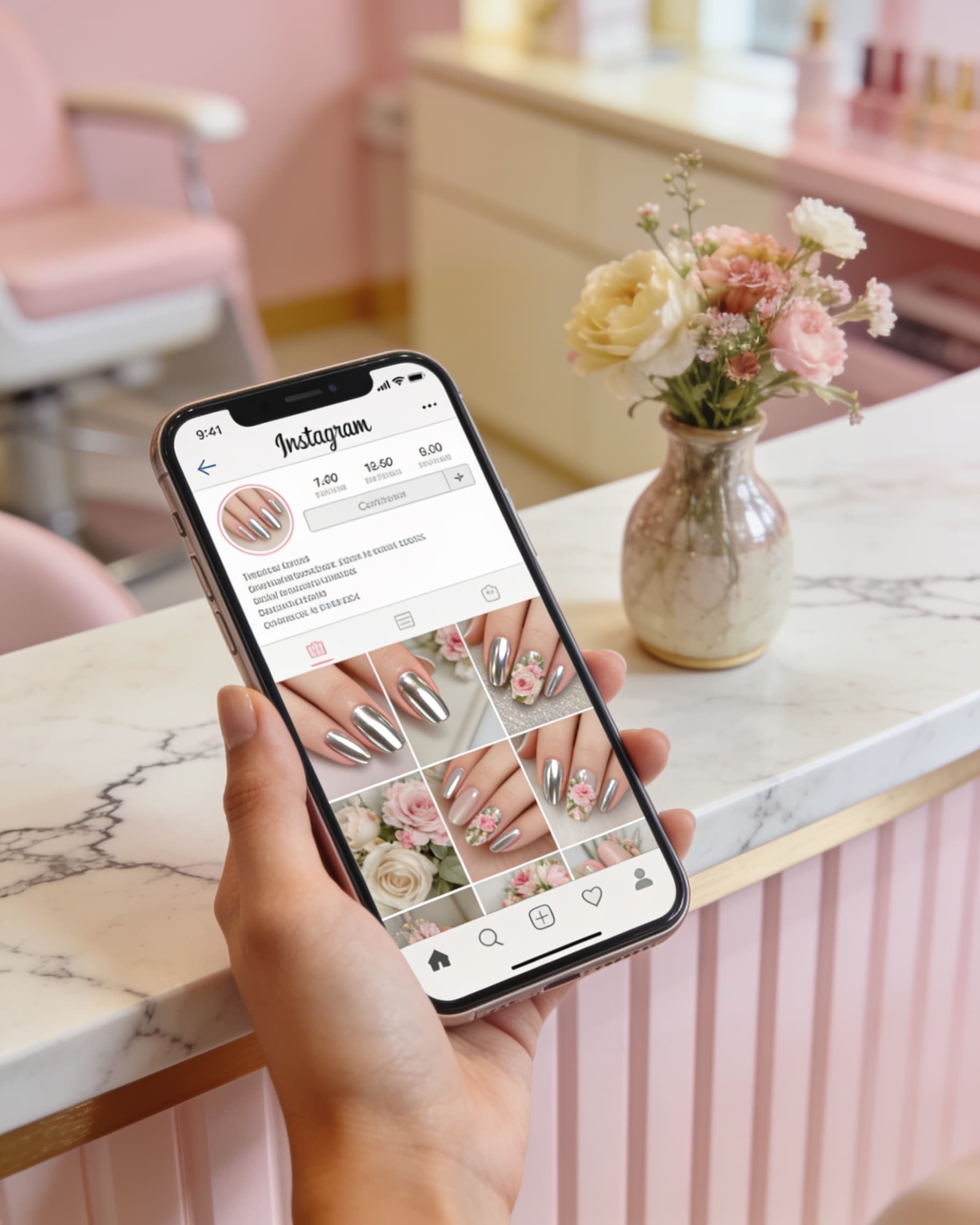
The same approved look can become this week's post if you have client consent. Start from a proven template in the viral content maker, drop in your salon style, rewrite the hook with your city, and export once for TikTok, Reels, and Facebook. You are not filming a new set every day. You are packaging work you already did.
Keep client faces off the cover unless they signed off. Hands-only plus a city line converts better for local bookings than a nationwide trend sound. For a deeper posting cadence, use how to create viral nail content.
What is a simple weekly AI workflow for a salon team?
Use this when you want staff to share one playbook instead of each tech inventing their own app habits.
- 1Monday: refresh three hero looks from nail inspo into your salon style library
- 2Consult hours: two AI options per new design client, save the winner to their record
- 3Midweek: pick one consented set and generate a viral content carousel
- 4Friday: post availability plus that carousel, with city in the first line
- 5Review: note redos that happened anyway and tighten the consult questions next week
Consent still comes first
Ask before you post a client's hands, even from an AI preview. Say when a feed post is a style mockup versus a real in-chair set.
Frequently asked questions
- How can nail salons use AI in 2026?
- The practical uses are virtual try-on during consultation, saving approved looks on the client record, and turning those looks into social posts. NailMock covers that loop for teams: preview on real hands, share credits in a salon workspace, and export content from viral templates. See for salons for plans.
- Does AI replace a nail technician?
- No. AI does not prep, fill, or balance a set. It shortens the decision: which design, how much coverage, and whether the look fits this client's length. Skill at the table still determines day-seven wear.
- Will AI consultations slow down my salon?
- Not if you cap them. One photo, two or three options, a yes-or-no pick, then start service. Generating endlessly at the chair wastes time. Check-in or pre-removal is often faster than mid-service browsing.
- Can AI help my salon get more bookings from Instagram or TikTok?
- Yes, when you post local, specific work with a booking CTA. Templates let you ship carousels without a designer. Pair the post with a try-on link or "show this screenshot at the chair" so the content converts instead of collecting vanity views.
- What should I look for in salon AI tools?
- Look for try-on on the client's own photo, a shared team workspace, saved session history, and a path from a look to a post. Avoid tools that only make pretty pictures you cannot attach to a client ticket. NailMock is built around that salon workflow on for salons.
Run AI consults with your salon team
Preview looks on client hands, save winners to their record, and turn booked sets into posts without a designer.