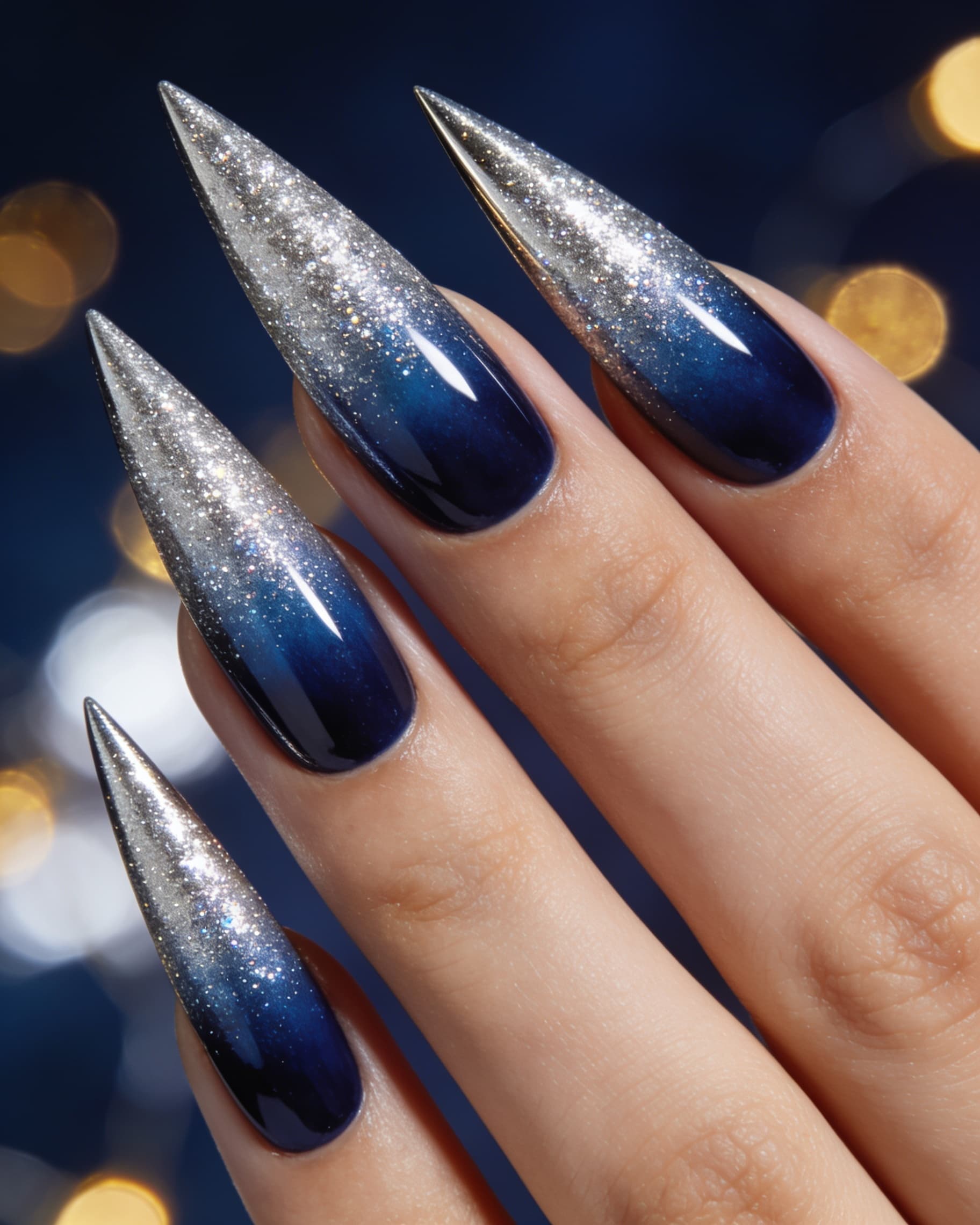
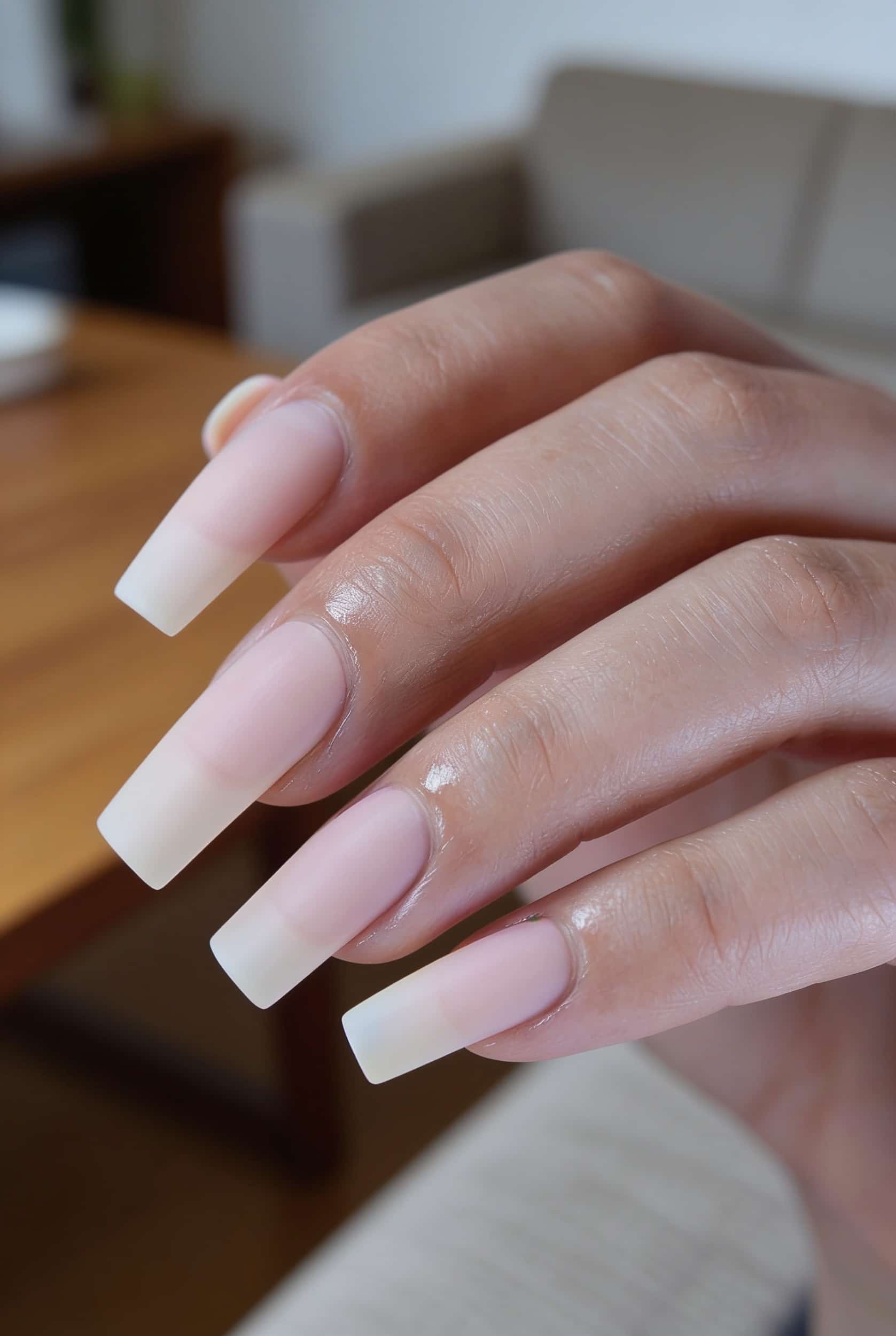
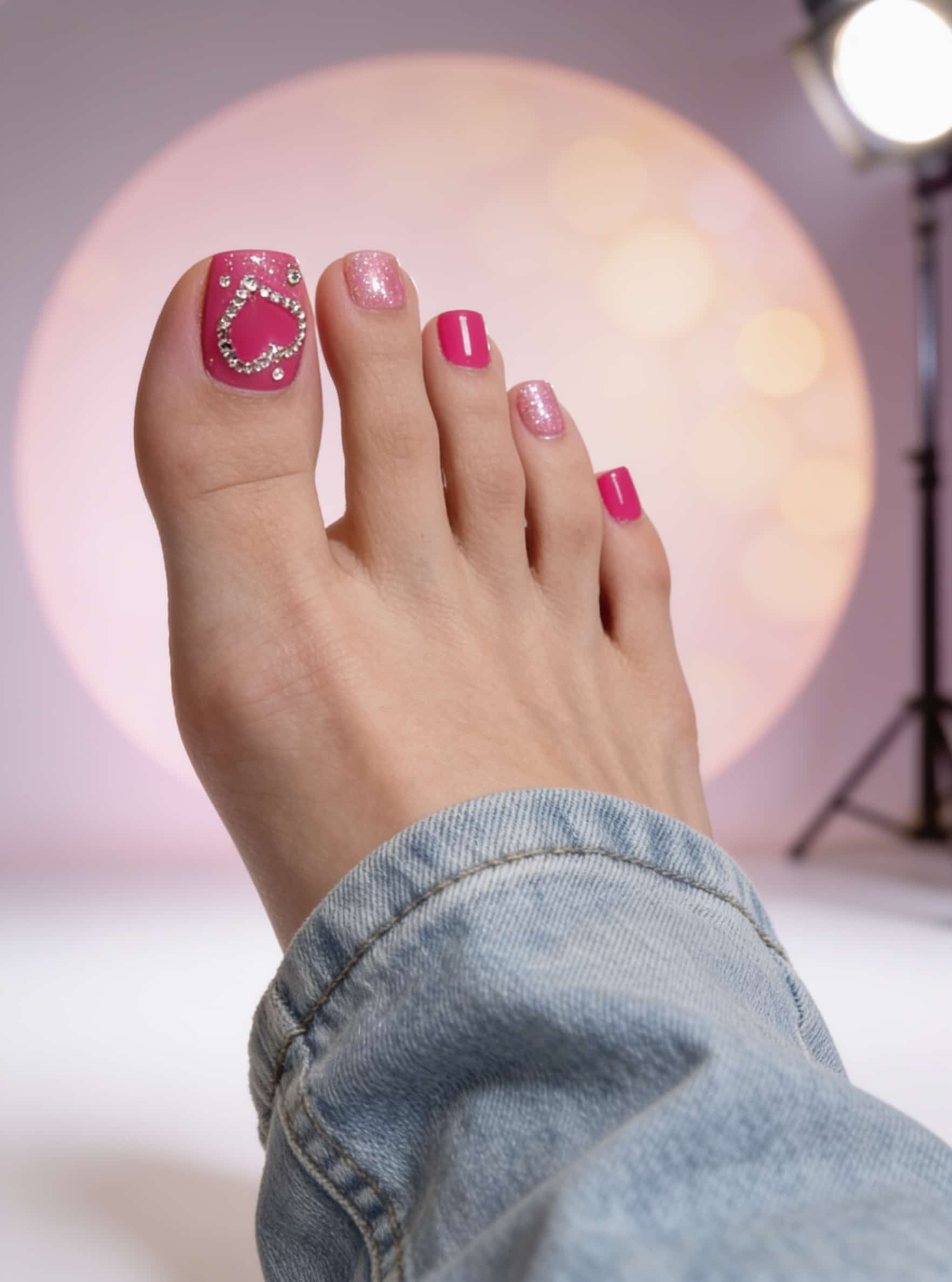
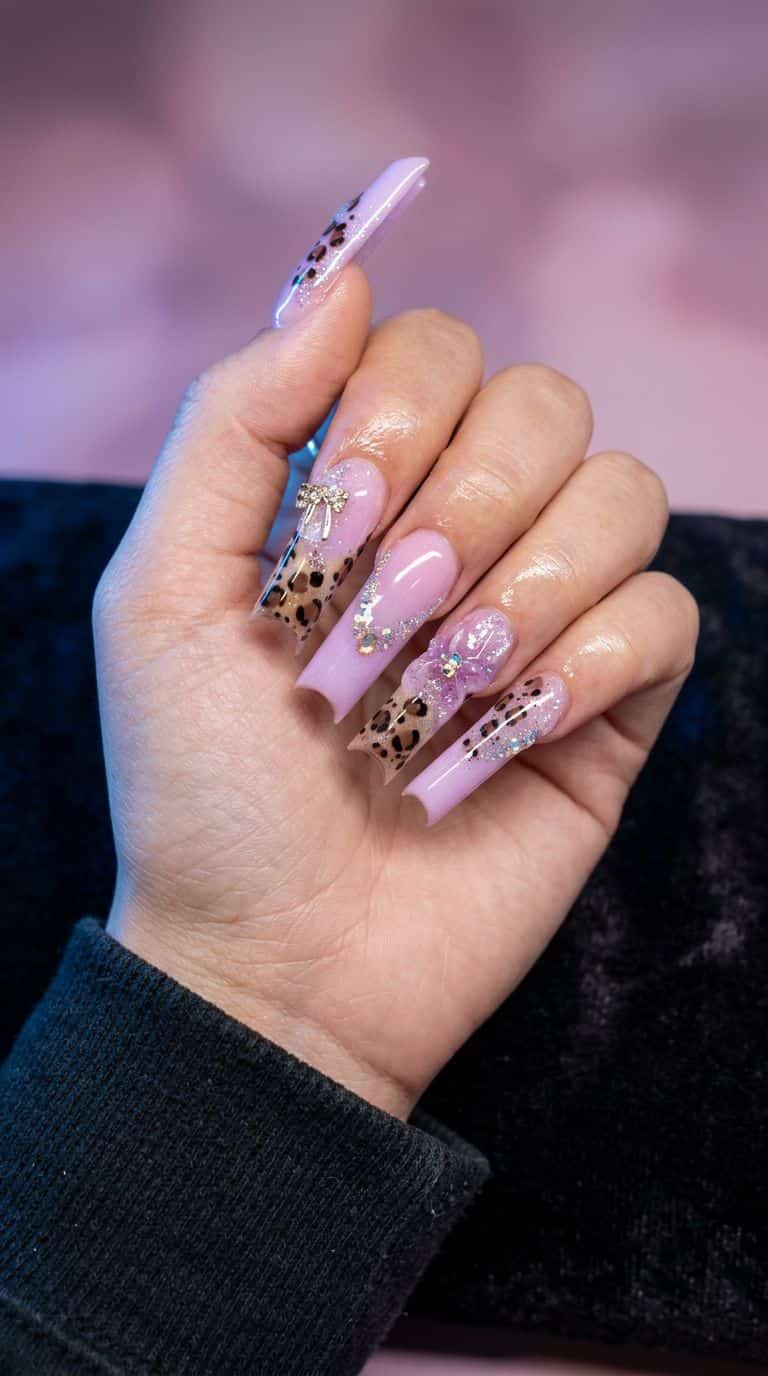
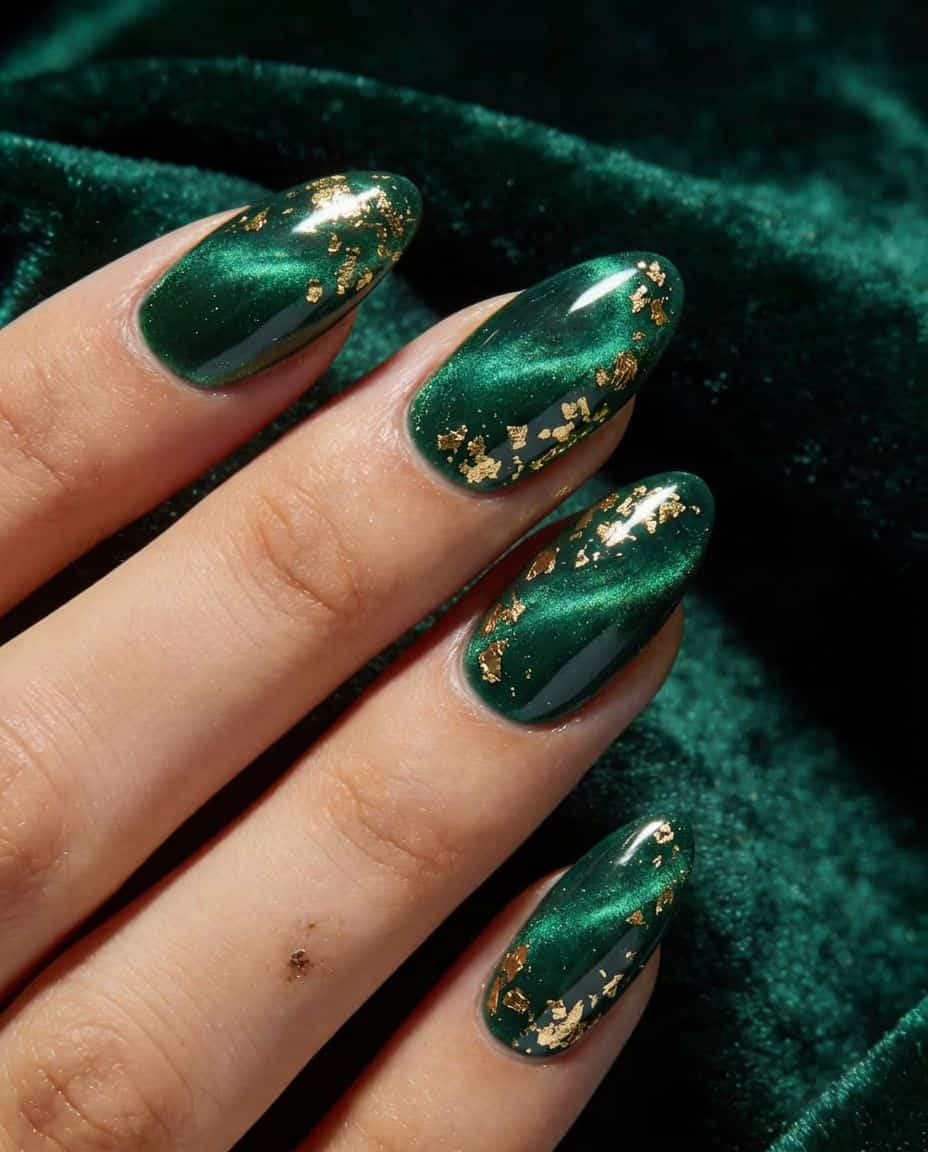
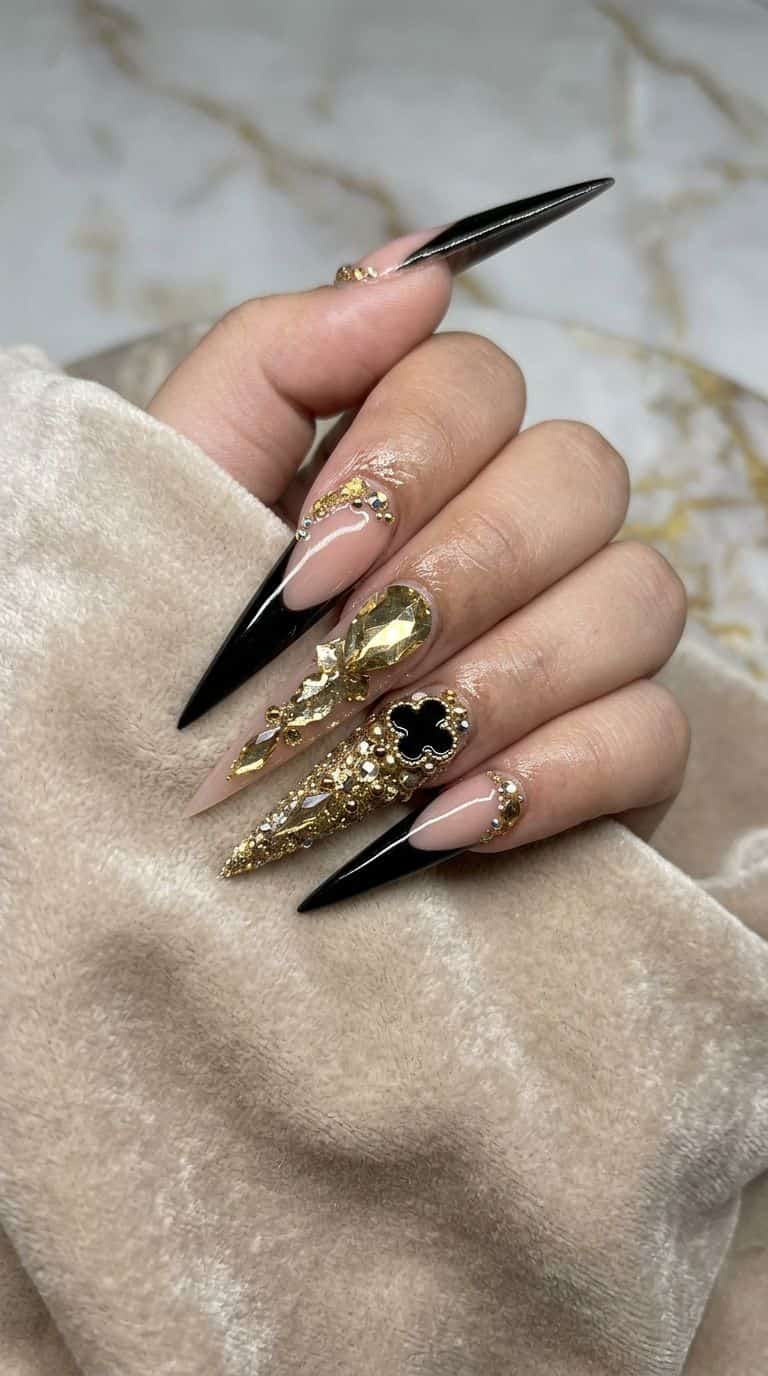
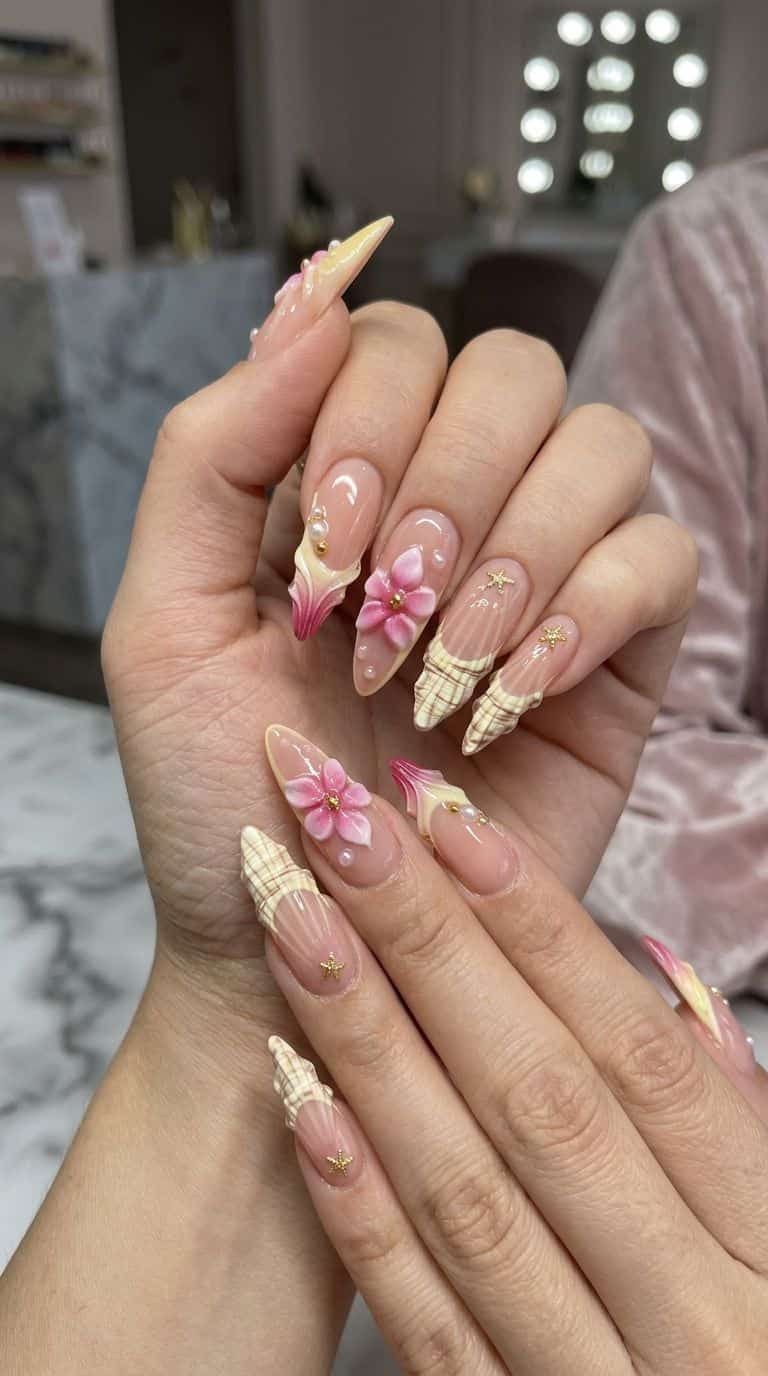
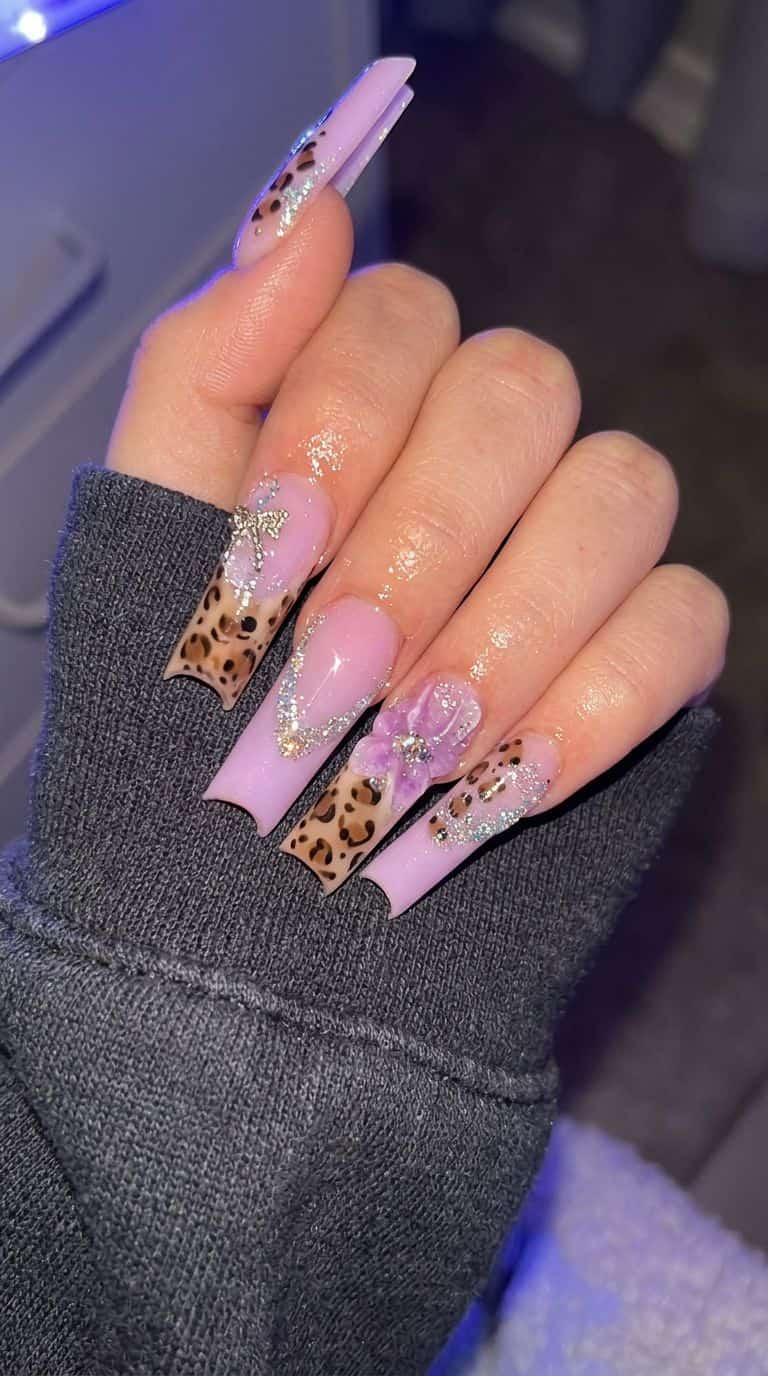
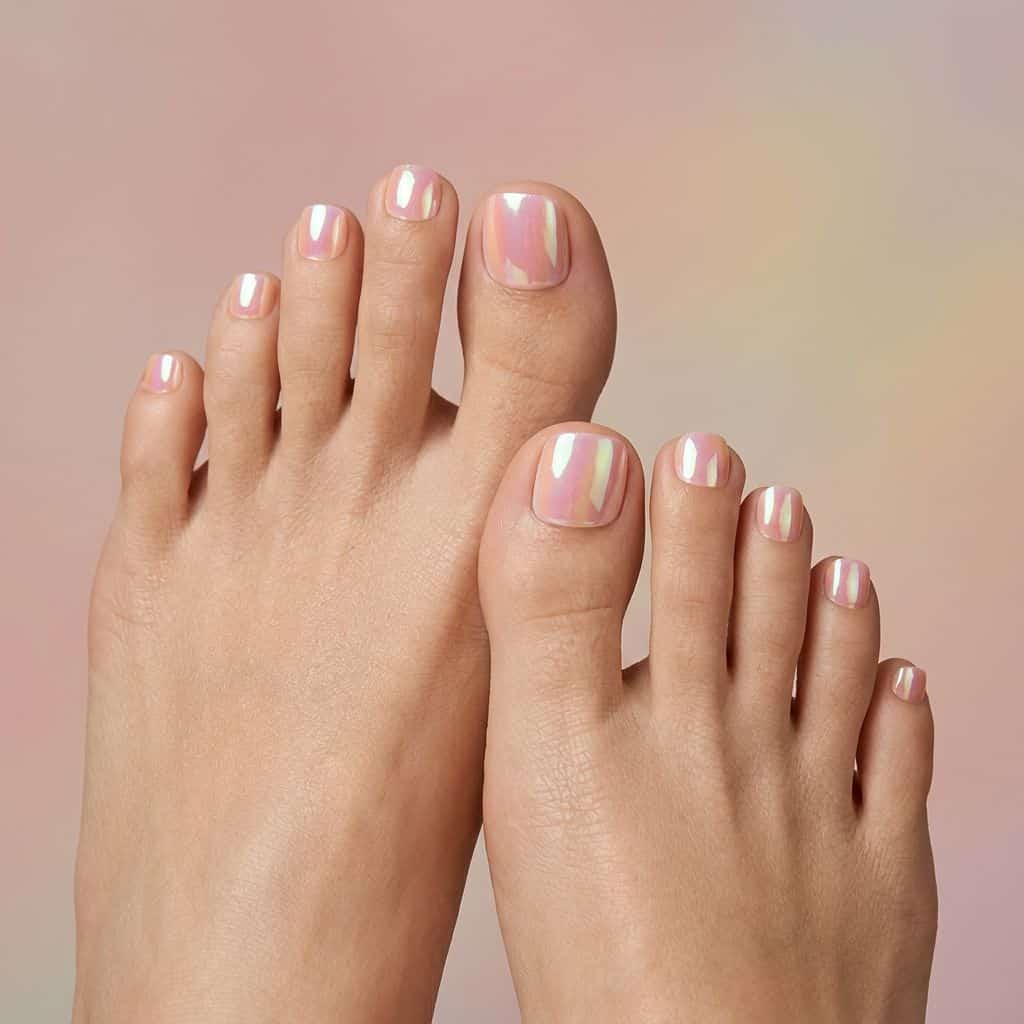
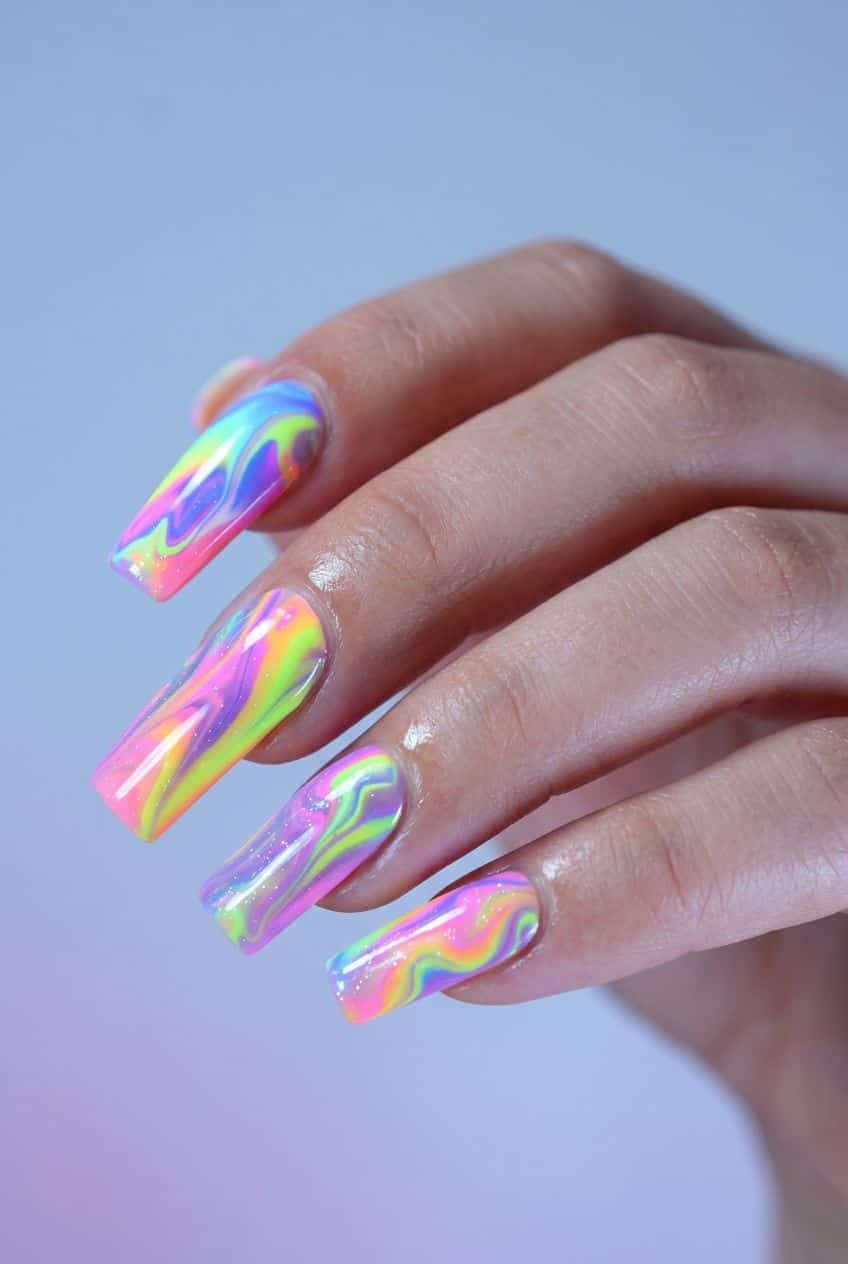
"AI nail try-on," "virtual nail try-on," and "AI nail mockup" get used as if they were one product. They are not.
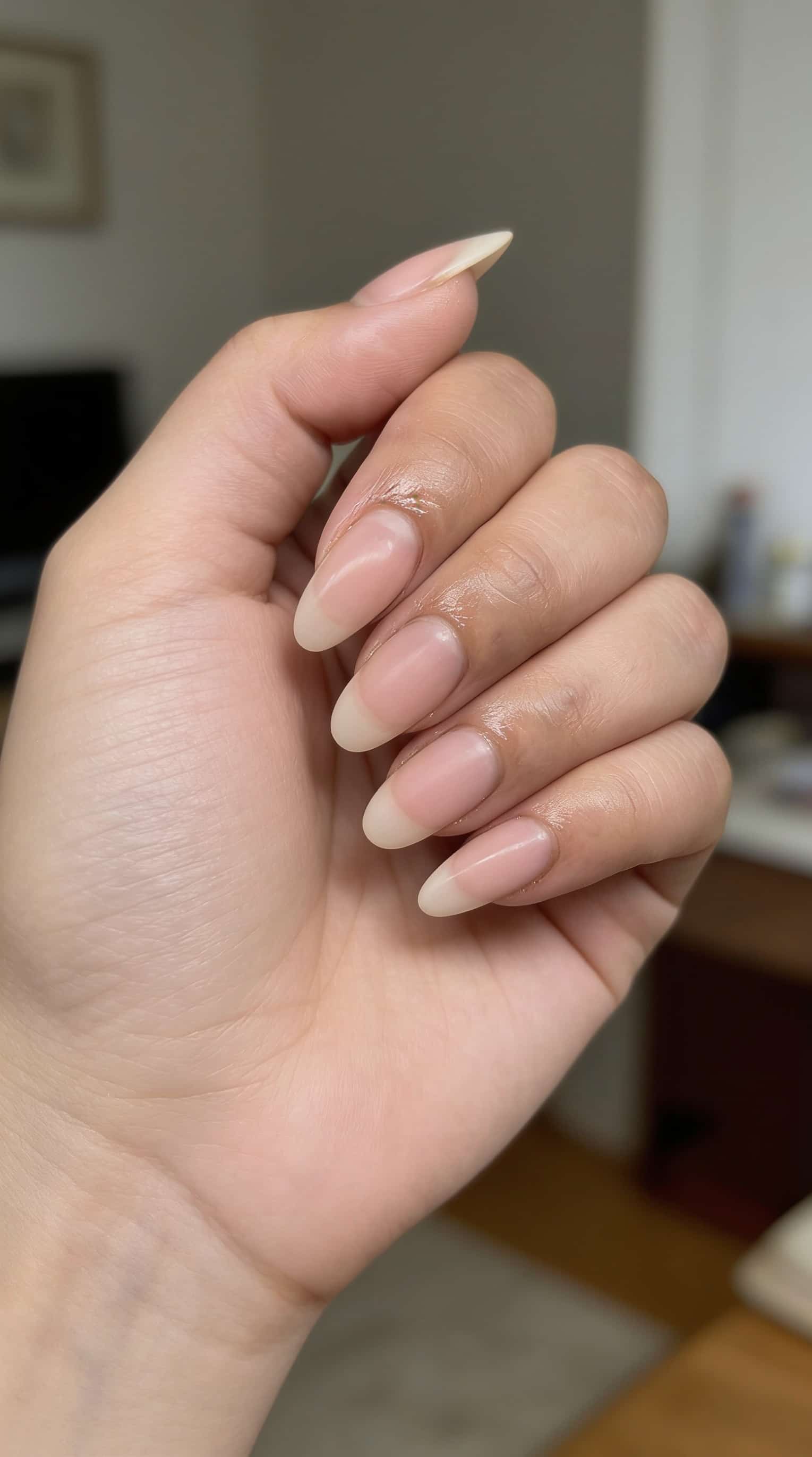
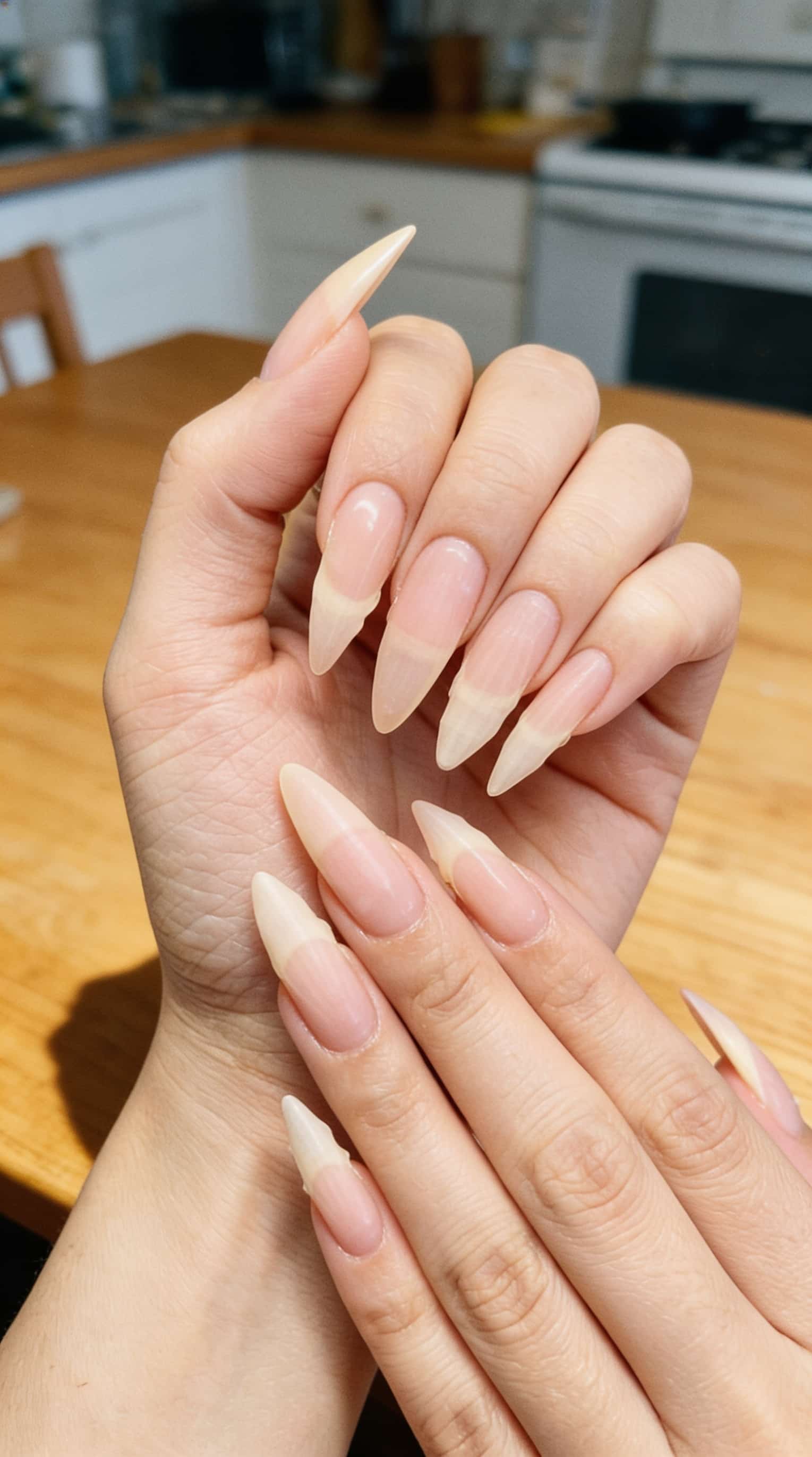
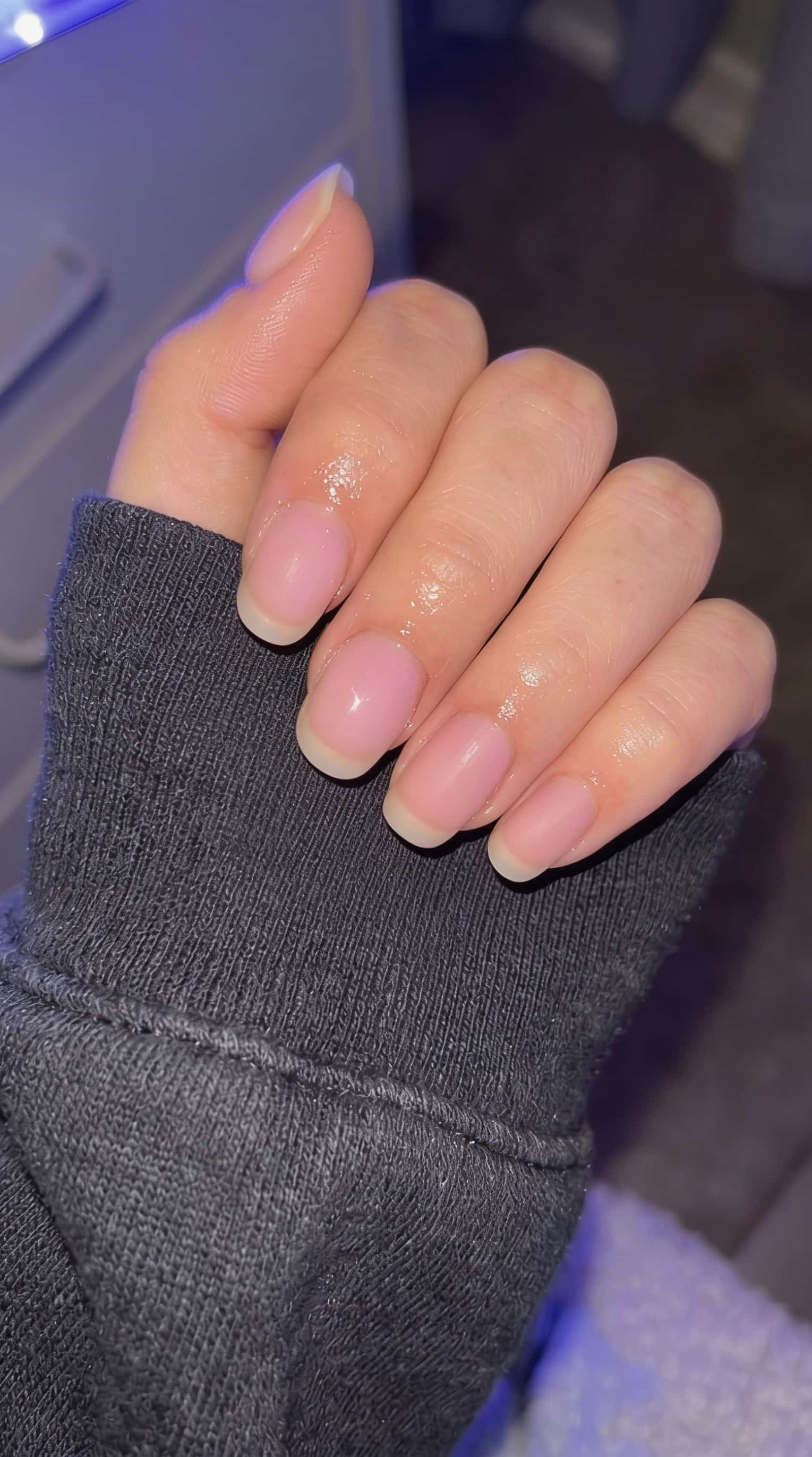
If you want to decide before you book, the useful output is a still of your own hands or feet that you can save and send. Live AR is for browsing color. A mockup is for committing to a three-week set. NailMock maps the look onto your uploaded photo, not a stock or game hand.
Everything runs in the browser. No app to download. Sign in, upload a photo of your hand or foot, and generate shapes, colors, and art on that photo.
Use try-on for the decisions that cause booking regret:
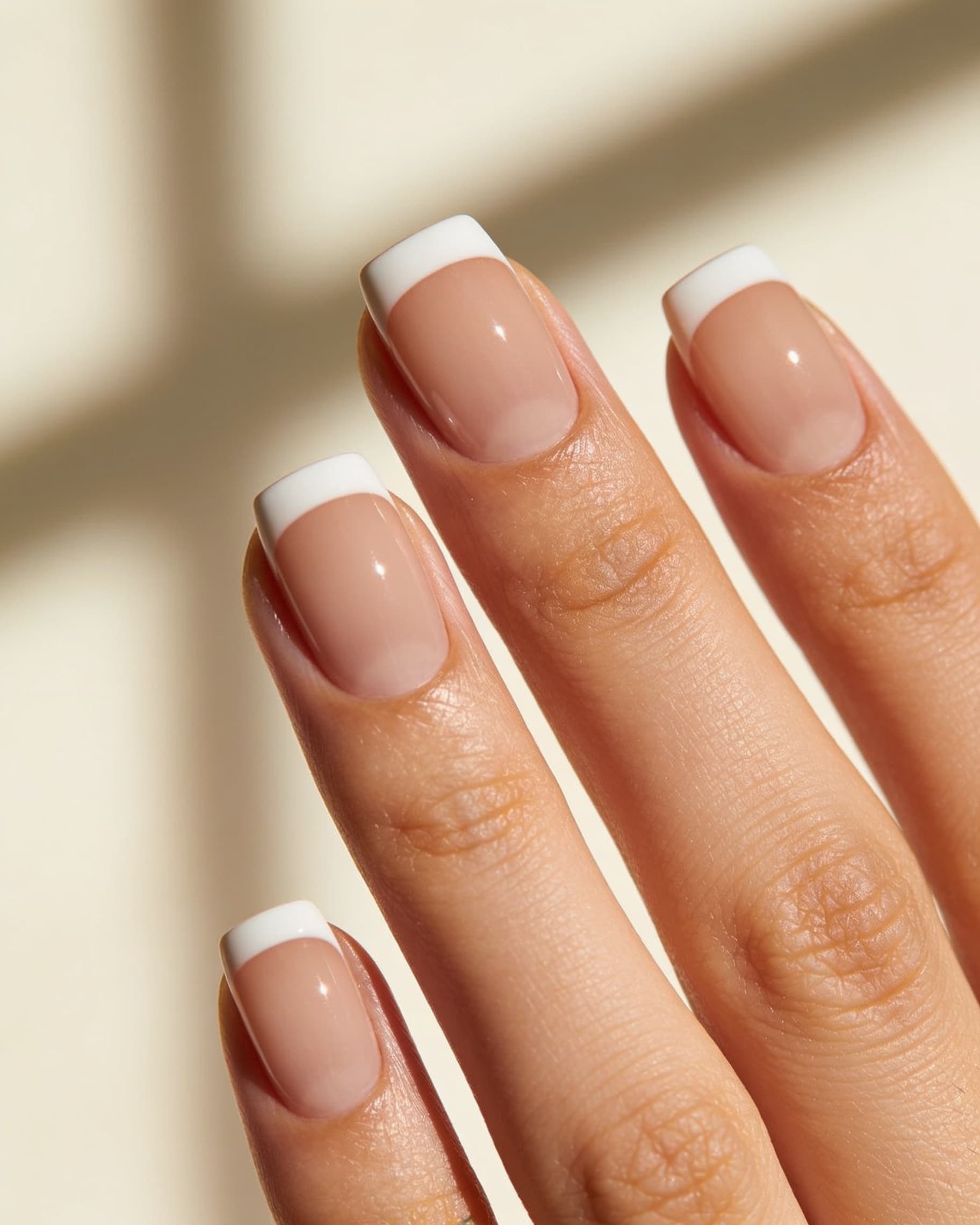
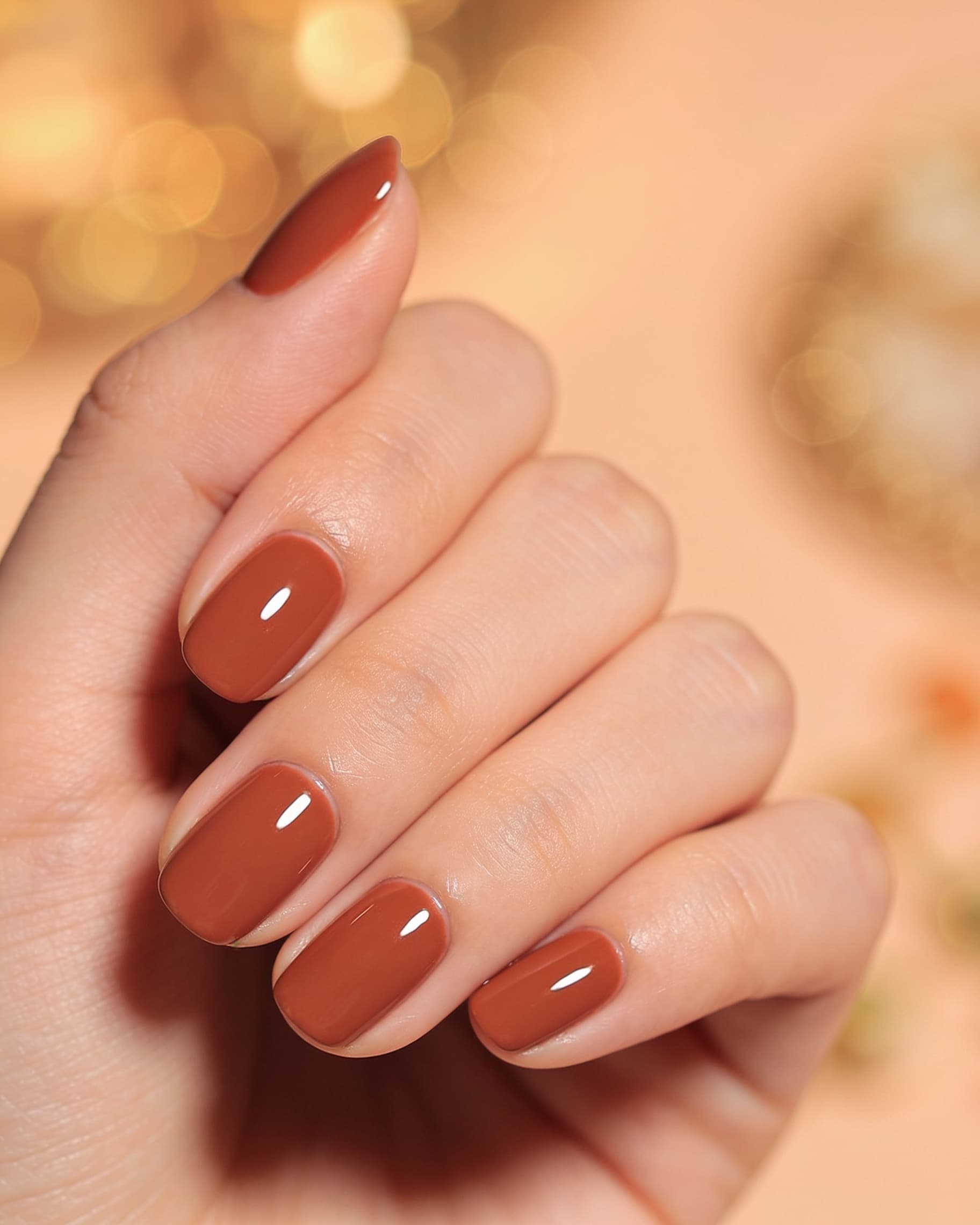
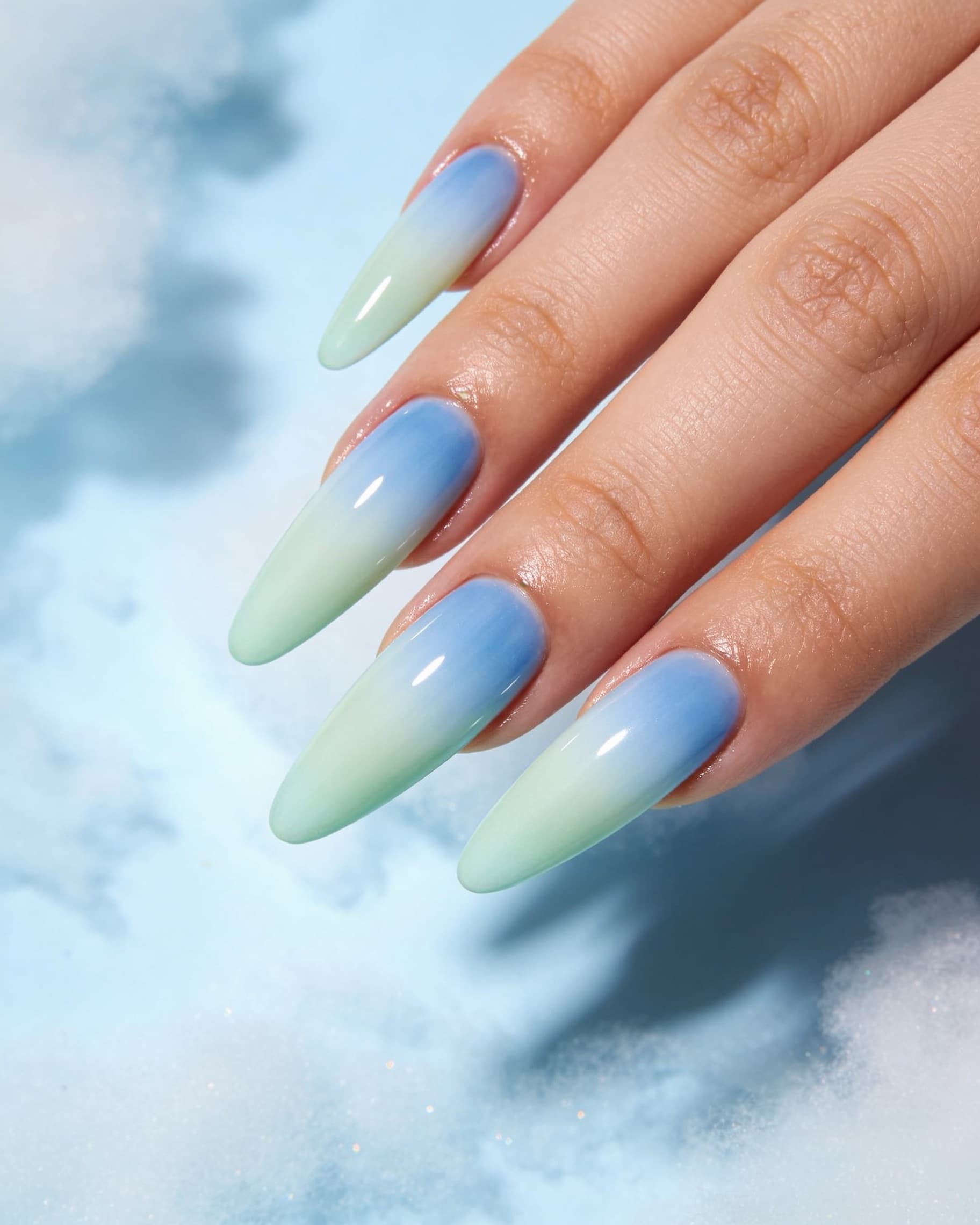
NailMock's tutorial, AI Nail Try-On Before You Book, is explicit about the ceiling. A preview is a picture, not a quote: it will not tell you gel thickness, apex, wear time, or how 3D charms will feel. Treat it as the brief. Generate two options (the look you saved, and a quieter version), not twelve.
Short nails, wide beds, feet, and skin tone
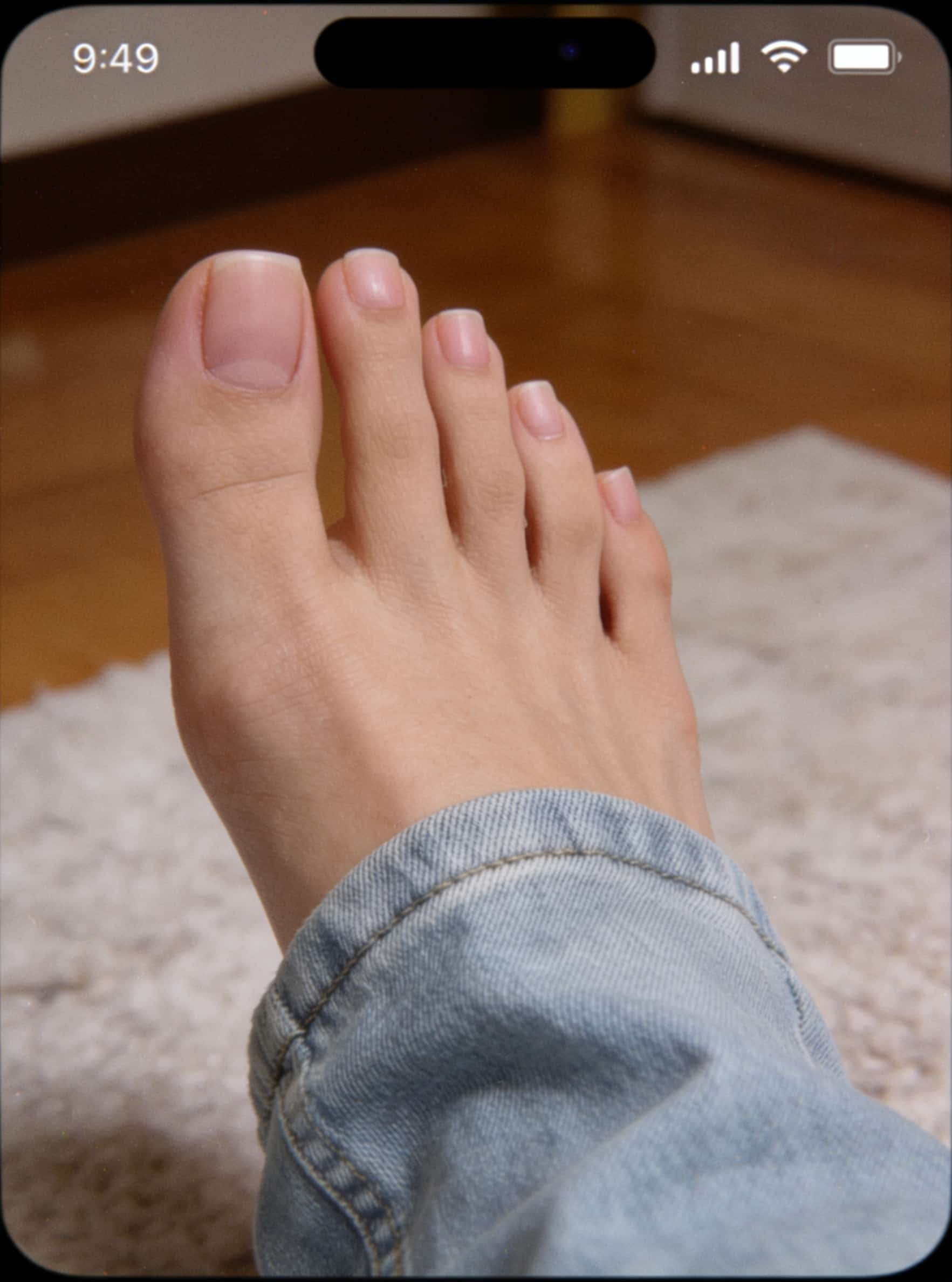
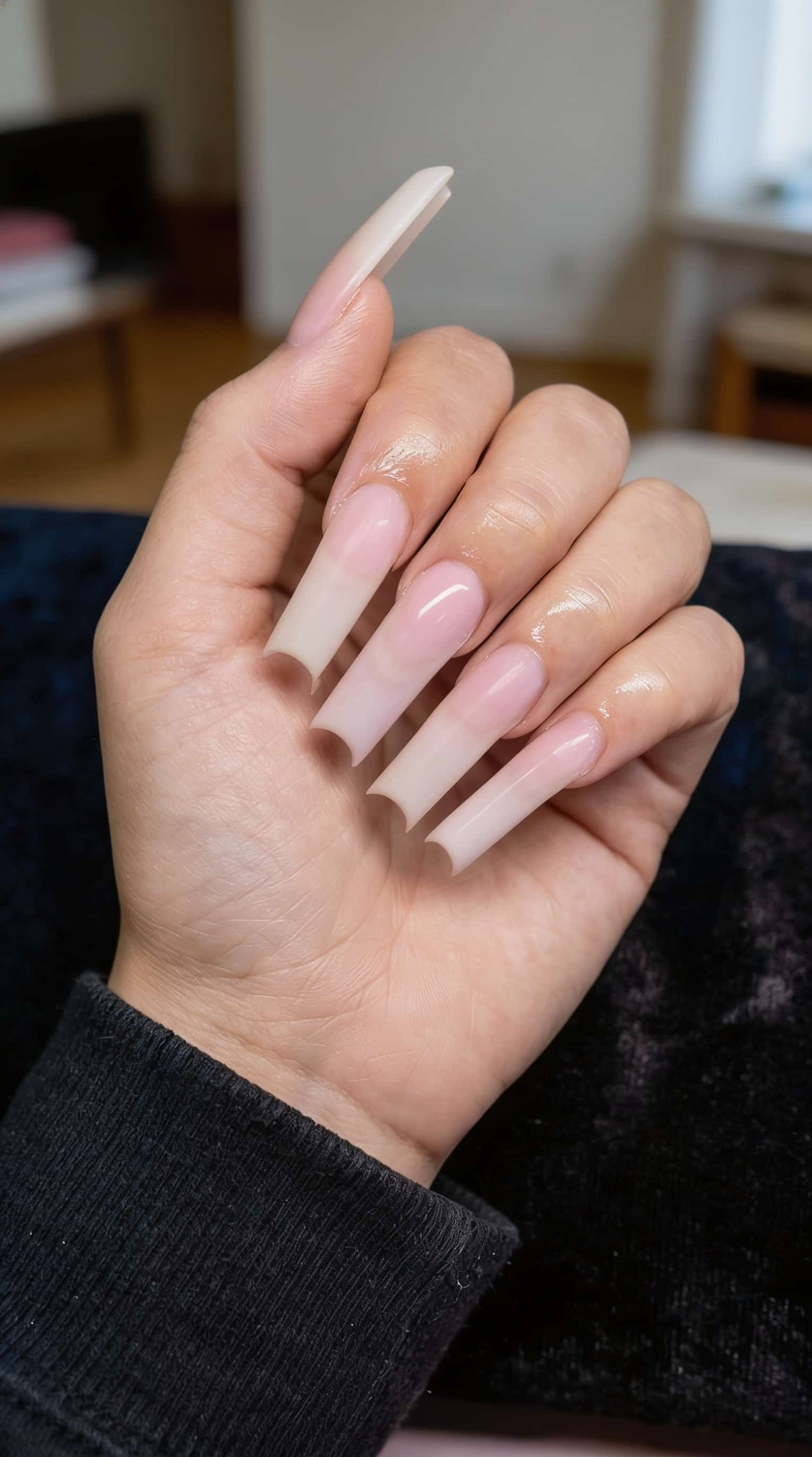
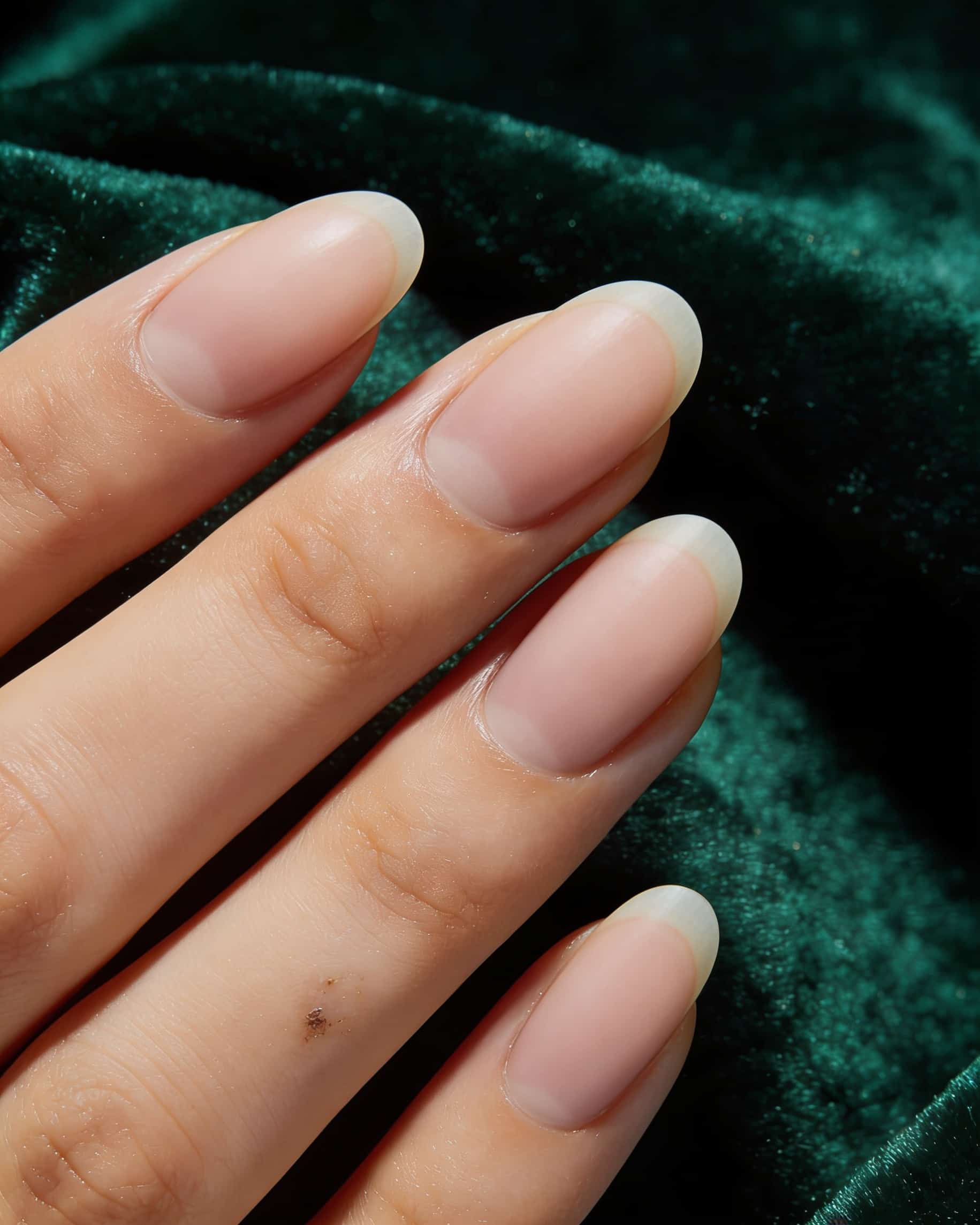
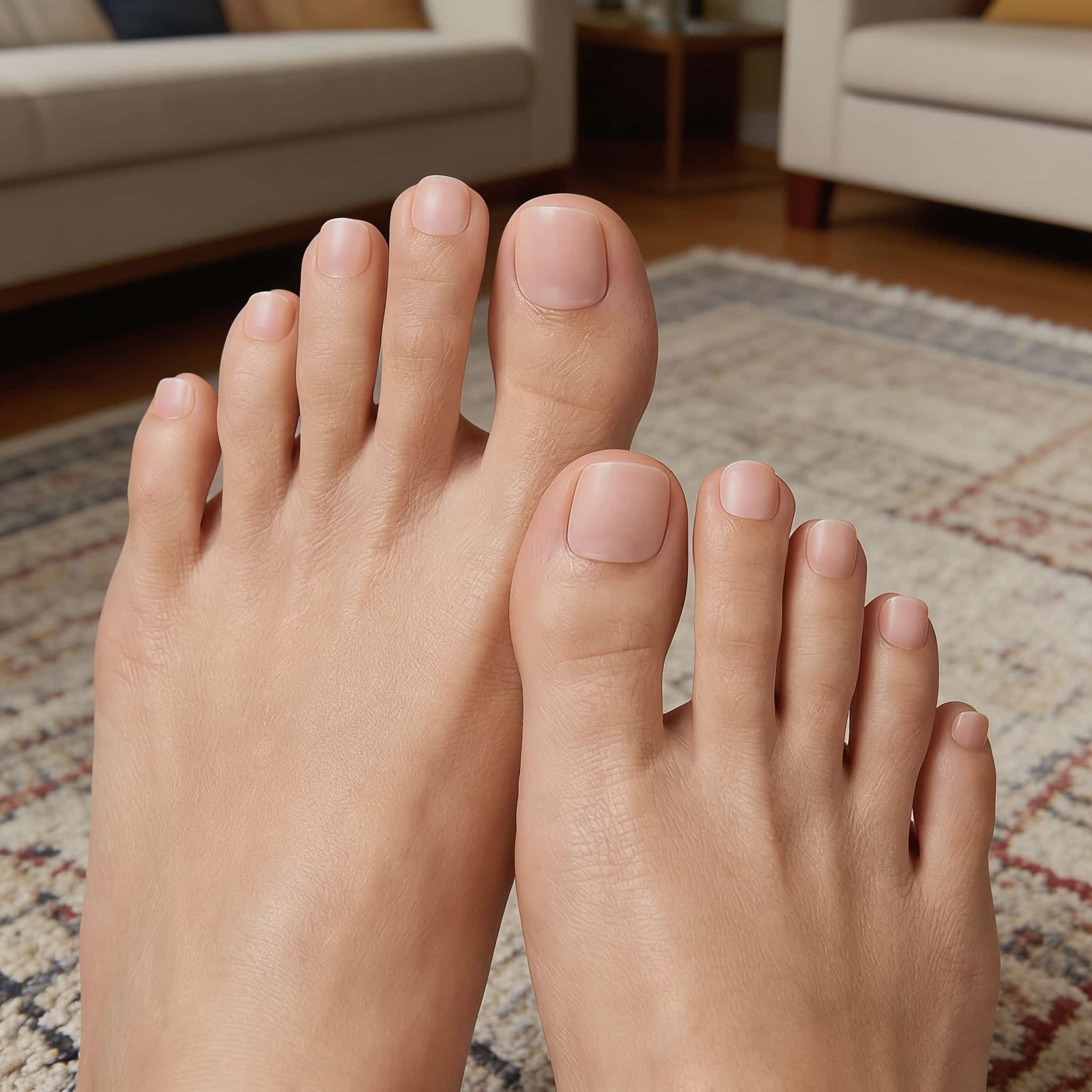
Inspiration photos skew long, slim, and evenly lit. If your nails are short, your plates are wide, or your skin is deeper than the pin, you are guessing more than the person in the photo. Preview at your real length first; plenty of people want the palette, not the extension. The same flow works for feet: a pedicure on your own photo, not a cropped stock foot.
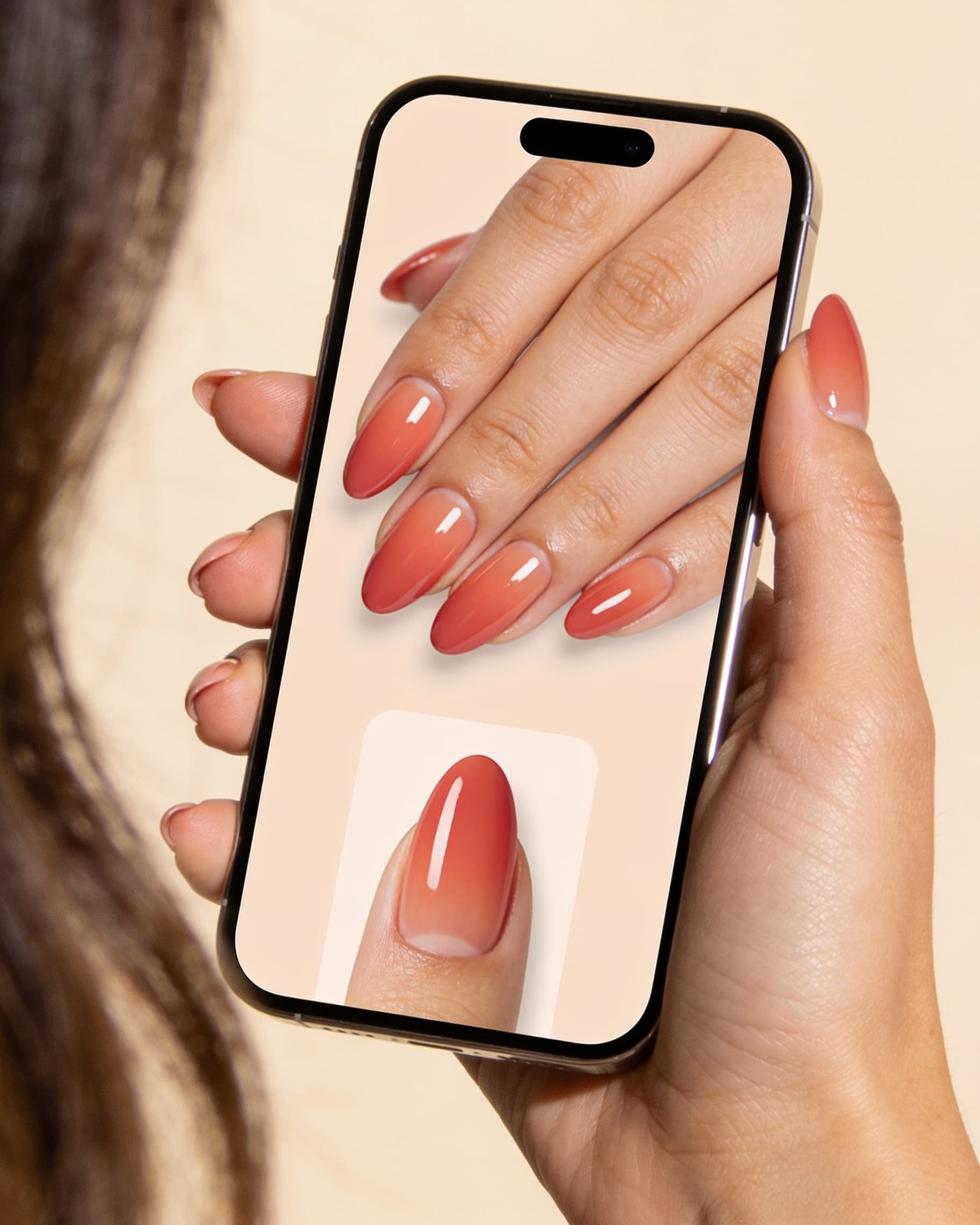
Screenshot or save the pin you love. Upload a clear photo of your hand (or foot) in NailMock. Map that reference look onto your nails so you see length, spacing, and skin on you, not the model in the pin. Save the winner and take it to the salon.
Prefer browsing curated looks first? Start in nail inspo, then run try-on on your photo.
The point of try-on is deciding before the salon, on your own hands, not guessing from a pin on someone else's nails. Generate a couple of options, save the look you would wear, and show that preview when you book or at the chair so your tech sees length, shape, placement, and height on you.
Walk through the full flow in AI Nail Try-On Before You Book. When you book, send the saved image and name four things: length, shape, where the art sits, and how much height you can live with. Name the service in the salon's words, then ask whether it is doable on your current nails today. For the full consult checklist — references, what to name at the chair, and why pins alone fail — see how to show your nail tech what you want.
If you still need a studio, find nearby salons on the map and send the preview with the request. When the set is locked, shop polishes and supplies that match the look.
The same try-on, used by salons and creators
Personal try-on is the start of the product, not the whole of it.
Salonsrun in-chair previews from a business workspace: snap the client's hand, show options, save favorites to the client profile, take online bookings, invite staff, and share a credit pool. Salon plans start at $59/month with a 7-day trial.
Creators generate looks for thumbnails and carousels, publish a portfolio, and take collab inquiries from local studios. Personal Pro adds viral nail templates and AI nail videos for TikTok, Instagram, and Facebook.
Filter-style apps often stop at the camera. NailMock is built so the preview has somewhere to go: a gallery, a salon, or a post.
Personal Free includes nail inspo, shop, and find salons. AI try-on and salon briefs unlock on Starter. Most still previews cost 1 credit per look, so you know what each generation uses. When you want more looks, add a paid plan or a credit pack on pricing. That is different from apps that put every color behind a weekly Pro wall. You pay for the looks you run.
NailMock is a still photo mockup on an uploaded hand or foot photo. It is not live camera AR, so there is no tracking that drifts while you move. Prefer a side-by-side of photo mockup vs live AR apps? See AI nail try-on tools compared or the focused NailMock vs CutieCure page. Or upload a photo and run an AI nail try-on, then book the look you already chose. Learn more about NailMock.