
Compare AI nail try-on tools (2026)
Twelve tools, split by the job you actually have: a still mockup on a photo you already took, a live camera overlay, or a photo-editor effect for a selfie. The single biggest divider is whether a tool lets you upload your own design reference or locks you to its catalog.
We pick per job, not by traffic or popularity, and there is no universal "#1" here. Prices and platforms name their source and date: official product and App Store pages read on 28 Sep 2026, plus earlier checks on 3 Sep 2026. Anything we could not read on an official page is labeled unverified.
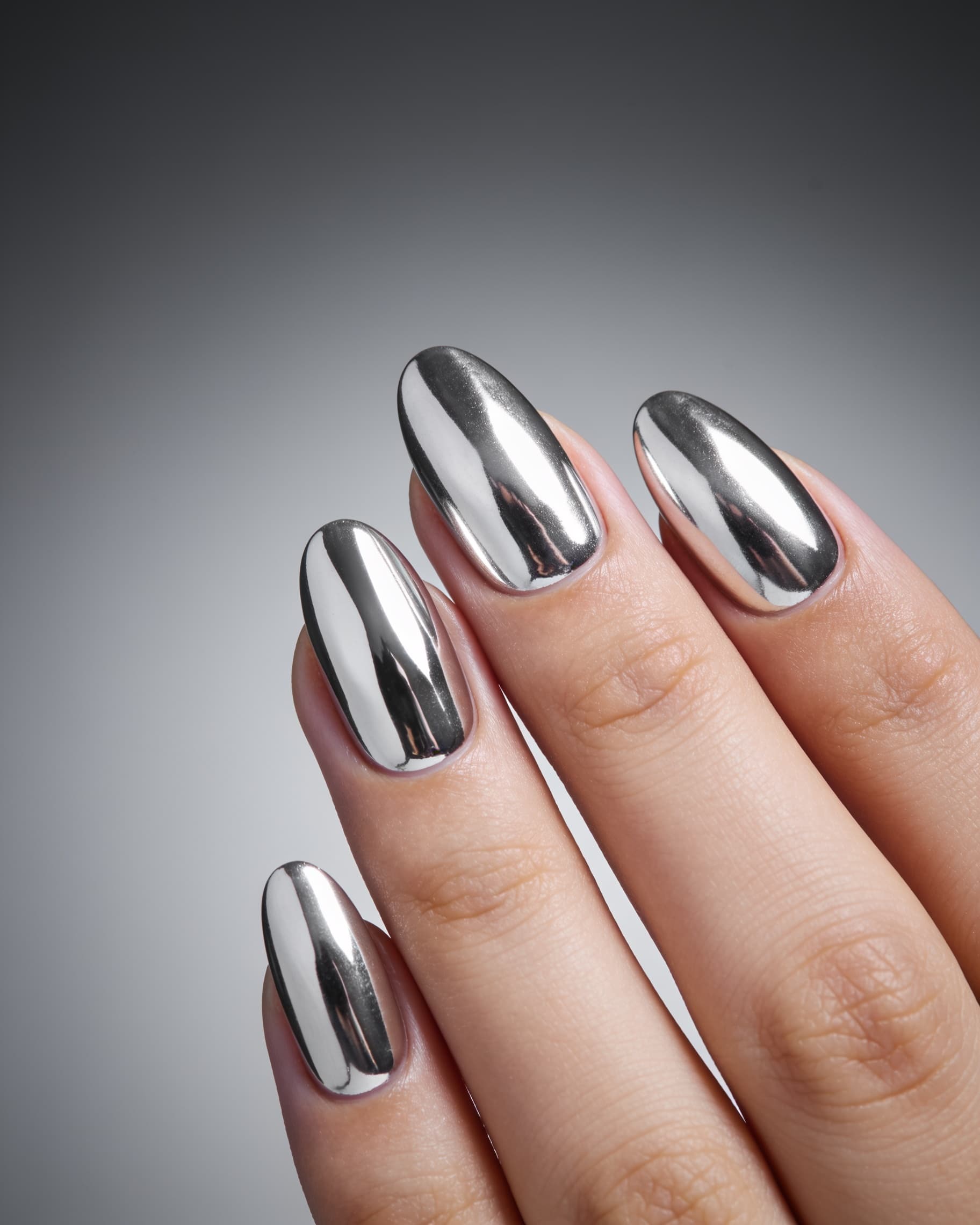
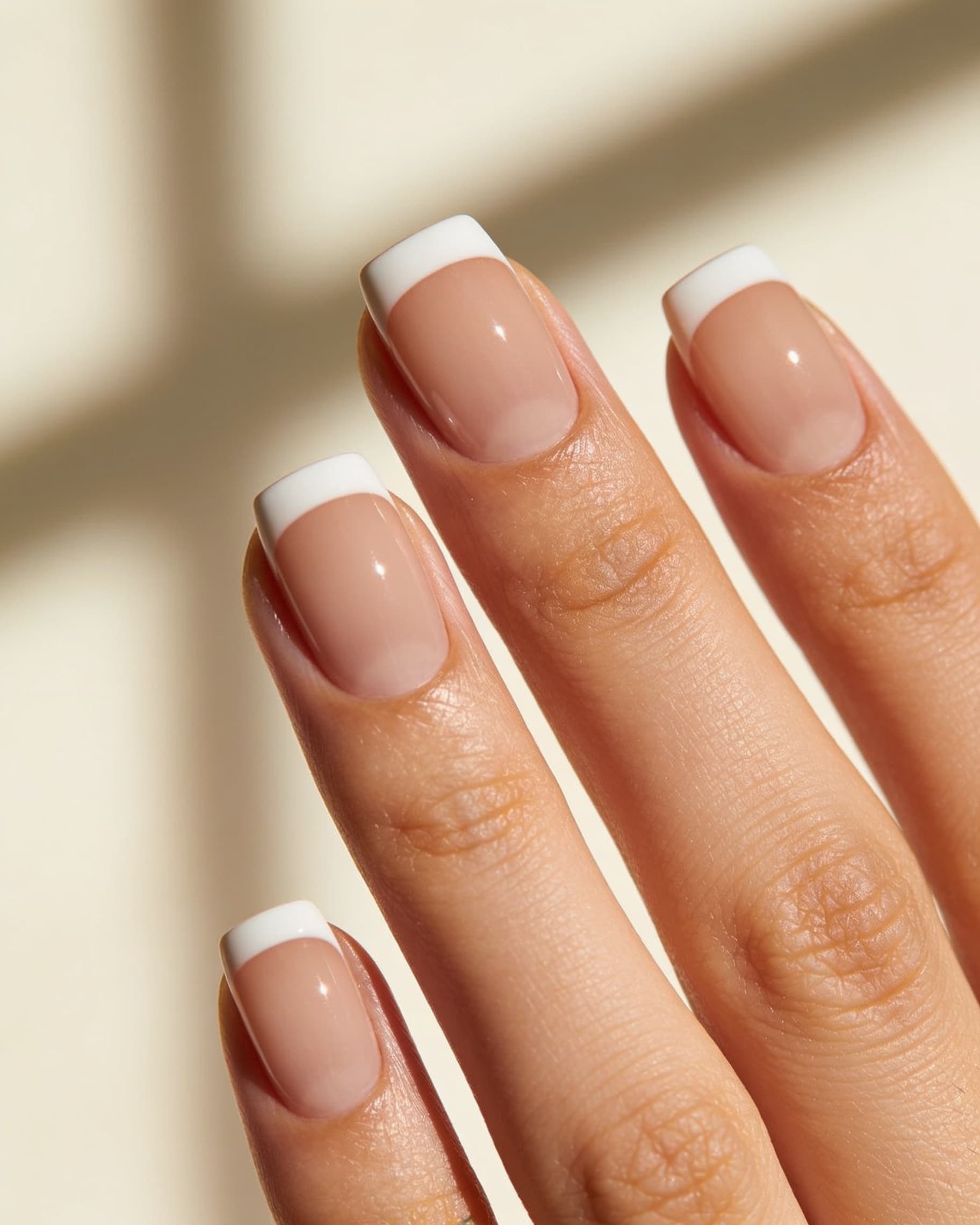
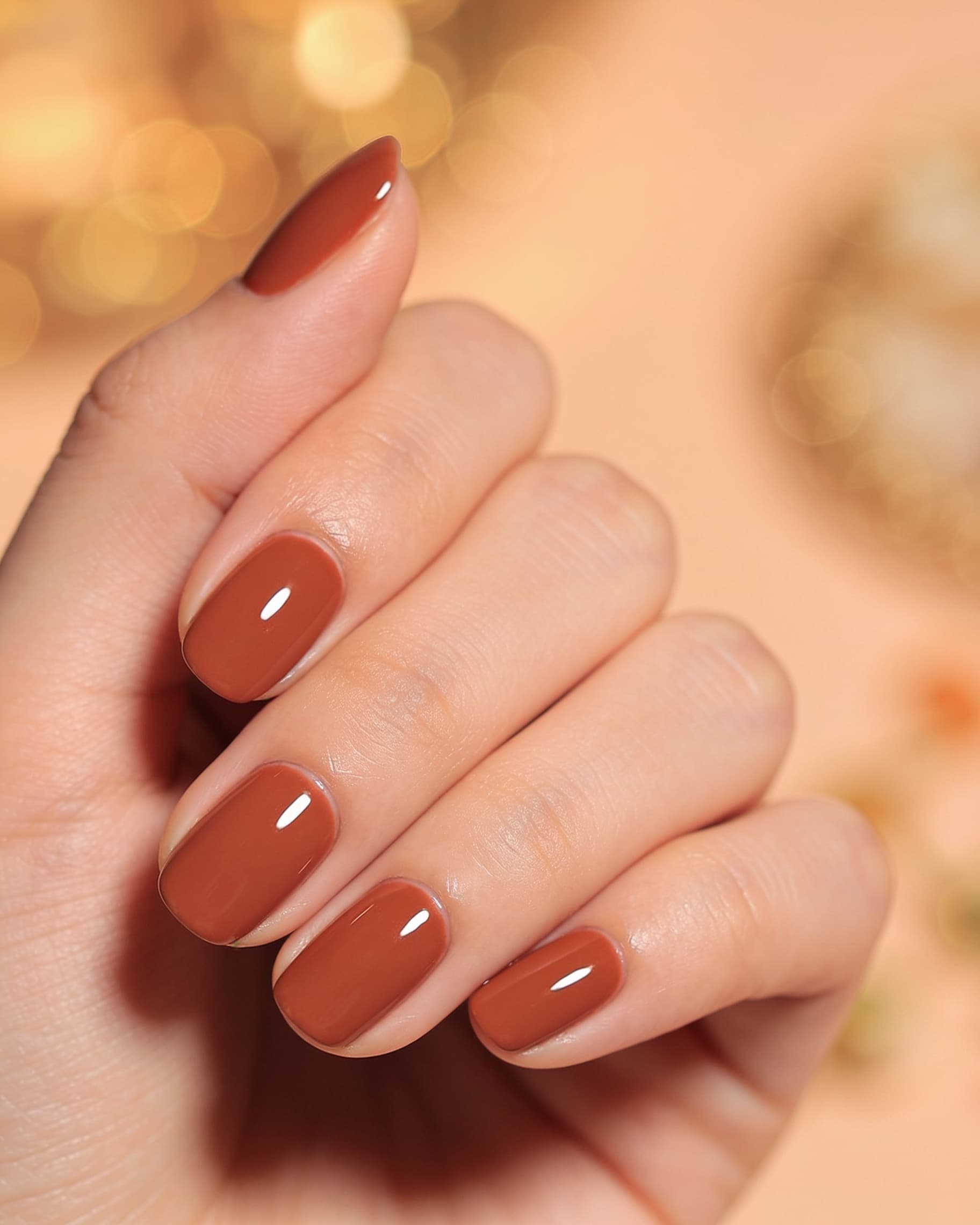
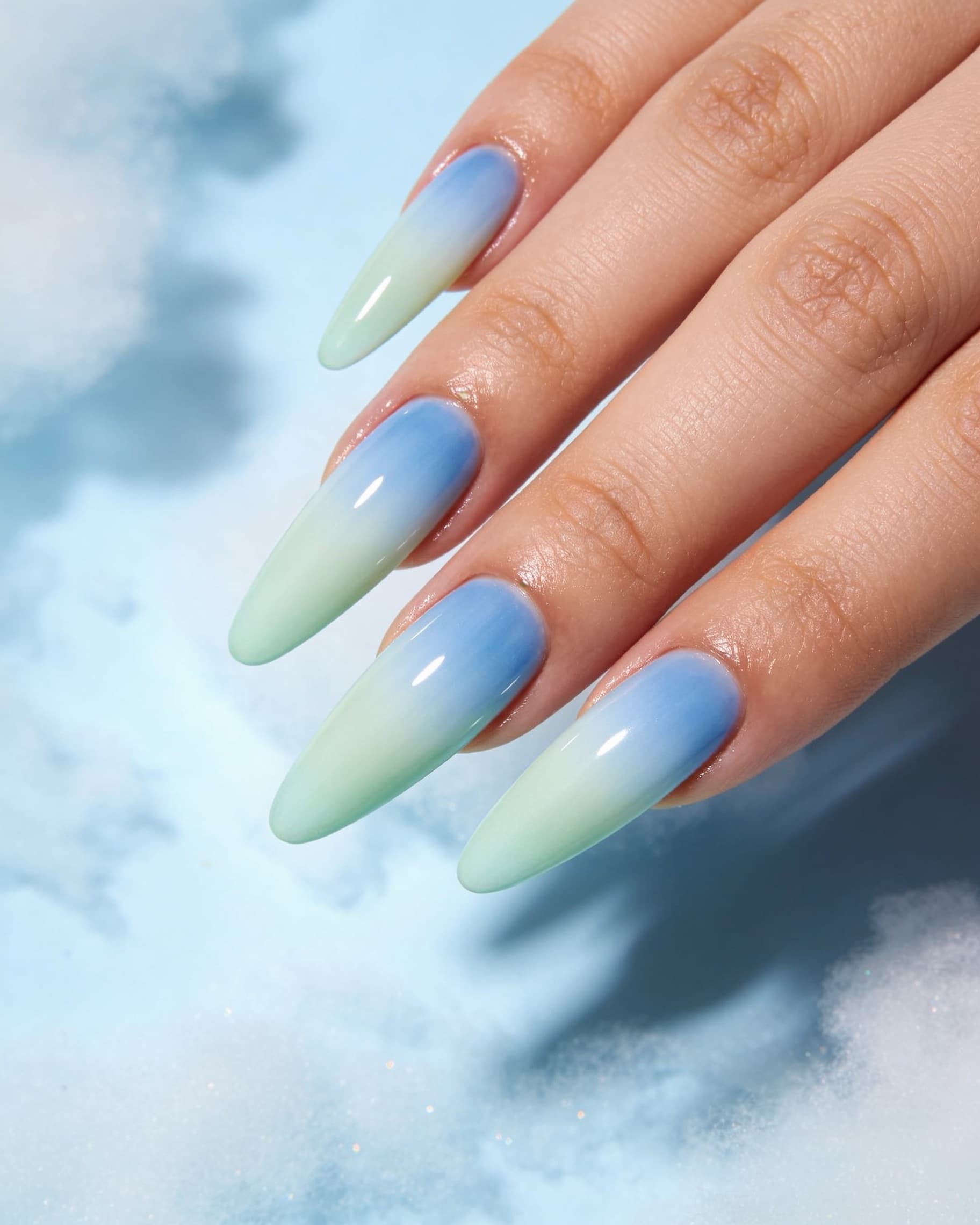
Picks by job
Pick the row that matches what you are trying to do. Detail and sources for every tool are in the table below.
- A booking brief you can text your nail tech
- NailMock. A saveable still rendered on the hand photo you uploaded, so length, shape, and art scale are all judged on your nails.
- You already have a Pinterest or Instagram design to copy
- NailMock, Agalaz, Nailuna, or Pincel. All four take your hand photo plus a design reference image, instead of limiting you to an in-app catalog.
- Watching polish move under a live camera
- YouCam Nails, CutieCure, or NailLens. Real-time AR that tracks your fingers as they move. You give up the saveable render built from your own reference.
- A pedicure, or feet as well as hands
- NailMock. It is the only tool on this page whose own pages state feet as well as hands.
- Chair-side previews with staff, shared credits, and booking
- NailMock salon plans or CutieCure Business. Do not assume a consumer AR app includes a workspace.
- No download, on desktop or phone
- NailMock, Agalaz, Nailuna, or Pincel. The rest of this list is app-store only.
- Just a prettier selfie, no booking involved
- BeautyPlus or Meitu. A general editor is enough; you do not need a nail platform.
All twelve tools, one row each
One row per tool so you can read a single tool end to end. The "your own design reference" column is the one most comparisons skip, and it is what decides whether you can reproduce a specific saved look or only browse presets.
| Tool | How the preview works | Your own design reference | Platform | Price, as published |
|---|---|---|---|---|
| NailMock | Upload a hand or foot photo; AI renders shapes, colors, and art onto that photo as a still mockup you can save and send. | Yes. Style preset, a text description, or one or more of your own reference images. | Web app, phone or desktop, no download. | Personal Free; Starter $9/mo; Pro $29/mo; credit packs from $29; salon from $59/mo with a 7-day trial. Source: our pricing page. |
| Agalaz | Upload a hand photo plus a reference design; generative render on your fingers, about 30 seconds on their try-on page. | Yes. Their try-on page invites a Pinterest, Instagram, or salon-menu photo. | Web. No download claimed on their try-on page. | Free first render, then a 7-day trial and plans from $4.99/week (10 renders), $19.99/mo (50), $49.99/yr (200); one-time 25 renders $9.99. From their own try-on and comparison pages. |
| Nailuna | Upload a hand or nail photo, mask the nails you want changed, then describe the look or attach a reference. Masking keeps hand and skin untouched. | Yes. Text description or a reference photo. | Web (nailuna.app). | Credit packs, 1 credit per design: Starter 30 credits, Creator $19.99 for 60, Studio $29.99 with team access. From their pricing section. |
| Pincel AI Nail Studio | Upload a hand photo, then set shape, color, length, art style, and finish with visual controls instead of writing prompts. | Yes, under "Add custom instructions". | Web, inside the wider Pincel editor suite. | 2 credits per design. Their page also states uploads and results are deleted within 60 minutes. |
| CutieCure | Live per-nail AR on the phone camera; the overlay tracks as the hand moves, on-device. Also prompt-to-design, skin-tone matching, and a 0 to 100 nail health score. | Not stated on the pages we read. Designs come from prompts or their library. | iOSapp. Their homepage also advertises Android; their May 2026 guide still said "iOS only, Android is on the roadmap." Play listing not opened. | Free download with in-app upgrades (Premium unlocks unlimited try-ons). Dollar prices not published on cutiecure.app. Business: 7-day trial, price not published. |
| NailLens | Point the camera; on-device vision paints a design onto your nails. Share a before and after with your artist. | Yes. Their homepage offers a library or your own inspiration upload. | iPhone and iPad. No web try-on stated on naillens.com. | Free to start, no card, no sign-up wall. No prices on naillens.com. A third-party listing showed $9.99 / $29.99 / $79.99 monthly: unverified. |
| YouCam Nails (Perfect Corp) | Live cam real-time AR with hand mapping and jitter control, plus an in-app editor for colors, patterns, jewels, and nail shape. | Noin the consumer app: designs come from its own 1000+ library and editor. Perfect Corp's separate AI Nail Transfer API does accept a reference photo, but that is a business integration, not the app. | iOS and Android. | Free with in-app purchases. App Store lists Premium monthly at $5.99 to $7.99 and yearly at $22.99 to $31.99, varying by region. |
| Glazii | Describe a look or pick from 21 shapes and 23 patterns, then try it on your hand. Also nail-shape try-on, product scanner, hand-health analysis, and an AI nail assistant. | Partly."Pic Pop" turns any photo into nail art and outfit photos drive suggestions, but try-on itself requires Pro. | iPhone and iPad. | Free start is 2 AI designsplus unlimited "Slay Scan"; try-on is behind Pro. US listing: $7.99/week, $14.99/mo, $79.99/yr. |
| NailedBy | Point your camera at your hand; AI detects the nails and applies a catalog design. Suggests shades from skin-tone analysis. | Not stated. Catalog of hundreds of designs, new styles weekly. | iOS (iOS 15.3 or later). No Android listing found. | BeautyPlus's roundup states from $9.99/mo. That is theirfigure, not re-checked on the vendor's own page. |
| Nailumi | Combine two images, a nail design and a hand, from your camera or library, and generate a preview. History groups try-ons by design. | Yes. The design image is an input, not a preset. | Android. Note there are two different listings under this name from different developers. | One listing shows $6.99/week or $59.99/yr; the other uses one credit per successful preview. Both read on third-party APK aggregators, not an official site: treat as unverified. |
| BeautyPlus / Meitu | General photo editors with a Nail Art tool under Portrait. Automatic hand detection drops preset patterns onto the fingers in an uploaded photo. | Yes. BeautyPlus documents uploading your own nail art design, around 300 styles alongside it. | iOS and Android. | BeautyPlus's own roundup lists BeautyPlus and Meitu from $4.49/mo. Their figure. |
| Fotor / Pixelcut | Generic text-prompt image edits with no dedicated nail try-on, per BeautyPlus's roundup. You describe the change in words. | Varies by tool. Neither presents a nail-specific reference flow. | Web and mobile editors. | Pixelcut listed at $9.99/mo in the BeautyPlus roundup. Their figure. |
Named in AI answers but not verified here
Ask an assistant for nail try-on apps and a few more names come back: Nail Mirror, Nails AI: Virtual Try On Salon, Wicked Nails, and Nail Editor. Their store blurbs describe the familiar pattern of uploading a hand photo and testing colors, shapes, and art, and Wicked Nails also advertises pasting a social-media link to extract a design. We could not confirm pricing or platform on an official site we trust, so they are listed here by name rather than given a table row with numbers we cannot stand behind.
Who each one is for
NailMock: still mockup on your own photo, then book
You want the set on yourhands or feet as a saveable image, in the browser, including short nails and pedicures. You can drive it from a preset, a description, or your own reference images, which is what makes it work for "this exact design from Pinterest, on my hands." Salons can run the same preview at the chair. Start on the homepage; salon detail is on for salons, and the product definition without a comparison table is on AI nail try-on.
Agalaz, Nailuna, Pincel: browser-based generative alternatives
All three take a hand photo plus a reference and render in the browser, so they are the closest comparisons to NailMock on mechanics. The differences are scope and workflow: Agalaz is a multi-category try-on site where nails are one of many verticals, Nailuna asks you to mask the nails by hand for tighter control, and Pincel sits inside a general image editor with visual controls instead of prompts. None of the three describes a salon workspace, staff roles, or booking on the pages we read. Closest head-to-head: NailMock vs Agalaz.
YouCam Nails, CutieCure, NailLens, NailedBy: live camera AR
You want to hold the camera up, rotate your hand, and watch the polish stay put. YouCam Nails is the most established of these, from Perfect Corp, on both iOS and Android with a large built-in library. CutieCure adds prompt-to-design and a nail health score. NailLens is the one camera app here that accepts your own inspiration upload. NailedBy leans on skin-tone analysis to recommend shades from its catalog.
The tradeoff is consistent across all four: you get real-time feedback and lose the saveable render built from a specific reference design. Side-by-side on that tradeoff: NailMock vs YouCam Nails and NailMock vs CutieCure.
Glazii: an AI nail assistant that happens to do try-on
Glazii is the broadest feature set on this page: design generation, try-on, nail-shape preview, accessories, a product scanner that reads ingredients off a bottle, hand-health analysis, and a chat assistant. Worth knowing before you download: the free tier is two AI designs plus unlimited nail scoring, and the try-on itself sits behind Pro. Full breakdown: NailMock vs Glazii.
Photo editors: finish a photo, not a booking brief
BeautyPlus and Meitu do real nail art on an uploaded photo and accept your own design, which is more than people expect. Fotor and Pixelcut have no dedicated nail tool at all. Any of them is fine for a selfie. All are weak if you need a nail-tech brief, a pedicure on your own feet, or a salon workspace.
Live AR camera glitches vs still photo mockup
Public reviews of live nail try-on apps often mention camera freezes, glitches, or crashes when the overlay has to track moving fingers. That is a live-tracking failure mode, not a judgment that every AR app is broken. Perfect Corp specifically markets jitter control for this reason.
NailMock takes the other path: a still photo mockup on a hand or foot you already photographed. There is no live finger follow, so there is nothing to freeze mid-swipe. You get a saveable booking brief for your tech, not a real-time paint-as-you-move preview. If you specifically want the live camera experience, compare the AR apps above rather than forcing a still tool into an AR job.
How to choose in one minute
Split the job first: booking brief (a saveable still on your own photo you can text to a tech) versus browsing color (watching polish move under a live camera). Then ask the second question most comparisons skip: do you need to bring your own design, or is a catalog enough?
- Need a booking brief from a specific saved design? NailMock, or the Agalaz / Nailuna / Pincel group. Not a drifting filter.
- Need browsing color on a live camera? YouCam Nails, CutieCure, NailLens, or NailedBy.
- Need no install, desktop or phone? NailMock, Agalaz, Nailuna, or Pincel.
- Need feet, not only hands? NailMock is the only one here that states it.
- Need in-chair software with staff, shared credits, and booking? NailMock salon plans or CutieCure Business.
- Need a prettier photo only? BeautyPlus or Meitu is enough.
Try the still mockup
Run an AI nail try-on in the browser or read how try-on works, and what it cannot show. For the product definition without the comparison table, see AI nail try-on.
Common questions
How to choose between still mockup, live AR, and photo-editor try-ons.
- What is the best AI nail try-on app in 2026?
- There is no single best tool for every job, so pick by job. For a saveable booking brief on your own photo, use NailMock. For live camera AR, use YouCam Nails, CutieCure, NailLens, or NailedBy. For a browser alternative to NailMock, look at Agalaz, Nailuna, or Pincel. For a selfie only, a photo editor such as BeautyPlus is enough.
- Which AI nail try-on lets me upload my own design reference?
- NailMock, Agalaz, Nailuna, Pincel, NailLens, Nailumi, and BeautyPlus all accept a design image you supply. YouCam Nails does not in its consumer app: designs come from its own library, and Perfect Corp's reference-photo AI Nail Transfer is a separate business API. CutieCure and NailedBy did not state their own-reference upload on the pages we read.
- Which AI nail try-on works without downloading an app?
- NailMock, Agalaz, Nailuna, and Pincel all run in the browser on phone or desktop. YouCam Nails, CutieCure, NailLens, Glazii, NailedBy, and Nailumi are app-store downloads.
- Is virtual nail try-on the same as AI nail try-on?
- Often used interchangeably, but the outputs differ. Some guides call virtual try-on real-time AR on a camera feed. NailMock's AI try-on is a still mockup on a photo you upload: a booking brief, not a live overlay. Ask which you need before you compare apps.
- Do live AR nail apps crash or glitch more than still photo try-on?
- Public reviews of live nail try-on apps often mention camera freezes, glitches, or crashes when the overlay tracks moving fingers. Perfect Corp markets jitter control for that reason. A still photo mockup path like NailMock has no live tracking, so it skips those camera-mode failure modes. You trade real-time finger follow for a saveable image.
- Which AI nail try-on works on feet, not just hands?
- NailMock is the only tool in our comparison whose own pages state feet as well as hands, so pedicure previews are covered. The AR and photo-editor apps we checked describe hands only.
- Which tools work on my own hands, not a stock model?
- NailMock, Agalaz, Nailuna, Pincel, CutieCure, NailLens, YouCam Nails, Glazii, NailedBy, and Nailumi all say the preview uses your hand. Photo editors vary: BeautyPlus and Meitu detect your hand in an uploaded photo, while Fotor and Pixelcut have no dedicated nail try-on at all.
- What does NailMock cost compared with free apps?
- NailMock Personal Free includes nail inspo, shop, and find salons; paid plans start at $9/month for try-on, with credit packs from $29 and salon plans from $59/month with a 7-day trial. Several rivals advertise free to start but gate the try-on itself: Glazii's free tier is two AI designs and try-on requires Pro, and CutieCure does not publish dollar prices at all. Do not assume "free download" means unlimited generations.
- Which AI nail try-on can a salon use with clients?
- NailMock salon plans include chair-side sessions, staff roles, shared credits, online booking, and customer history, from $59/month with a 7-day trial. CutieCure Business advertises booking and in-chair try-on but does not publish a price. The consumer AR apps do not describe a salon workspace.
Ready to see nails on your hands before you book?
Join salons, creators, and personal users using NailMock to preview designs, find deals, and shop matching materials.