
AI Nail Try-On Before You Book: What It Shows and What It Cannot
How AI nail try-on works on your own hands, what it predicts accurately, where it falls short, and how to bring the preview to your nail tech.
By NailMock Team
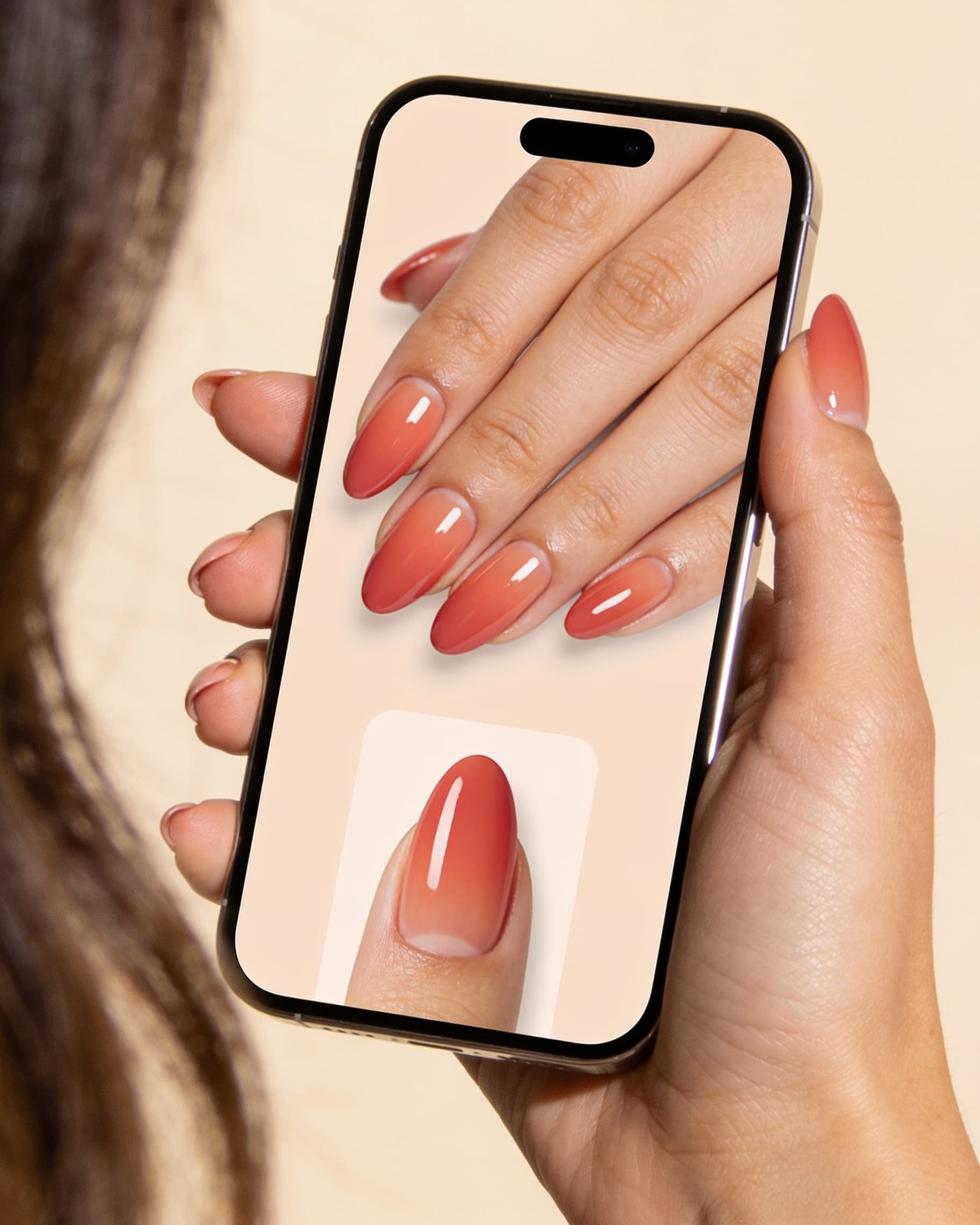
You saved a set you love. The real question is whether it works on your hands, your length, and your skin tone. AI nail try-on answers that in a couple of minutes: upload one hand photo, generate the look, and decide before you pay for a three-week set. This guide covers what a preview predicts well, where it is only a rough sketch, and how to hand it to your nail tech so they build the set you actually pictured. Start in Studio, or browse saved looks in nail inspo first.
How does AI nail try-on work?
You upload a clear photo of your hand with your current nails, pick a design, and the model renders that design onto your nail beds. You are not looking at a stock hand or a filter that blurs the plate. You are looking at your own shape, spacing, and finger length with a new set applied.
The useful part is comparison. Generate two versions of the same idea, put them side by side, and pick one. Most booking regret comes from choosing a look on someone else's hands, then discovering the scale is wrong on yours.
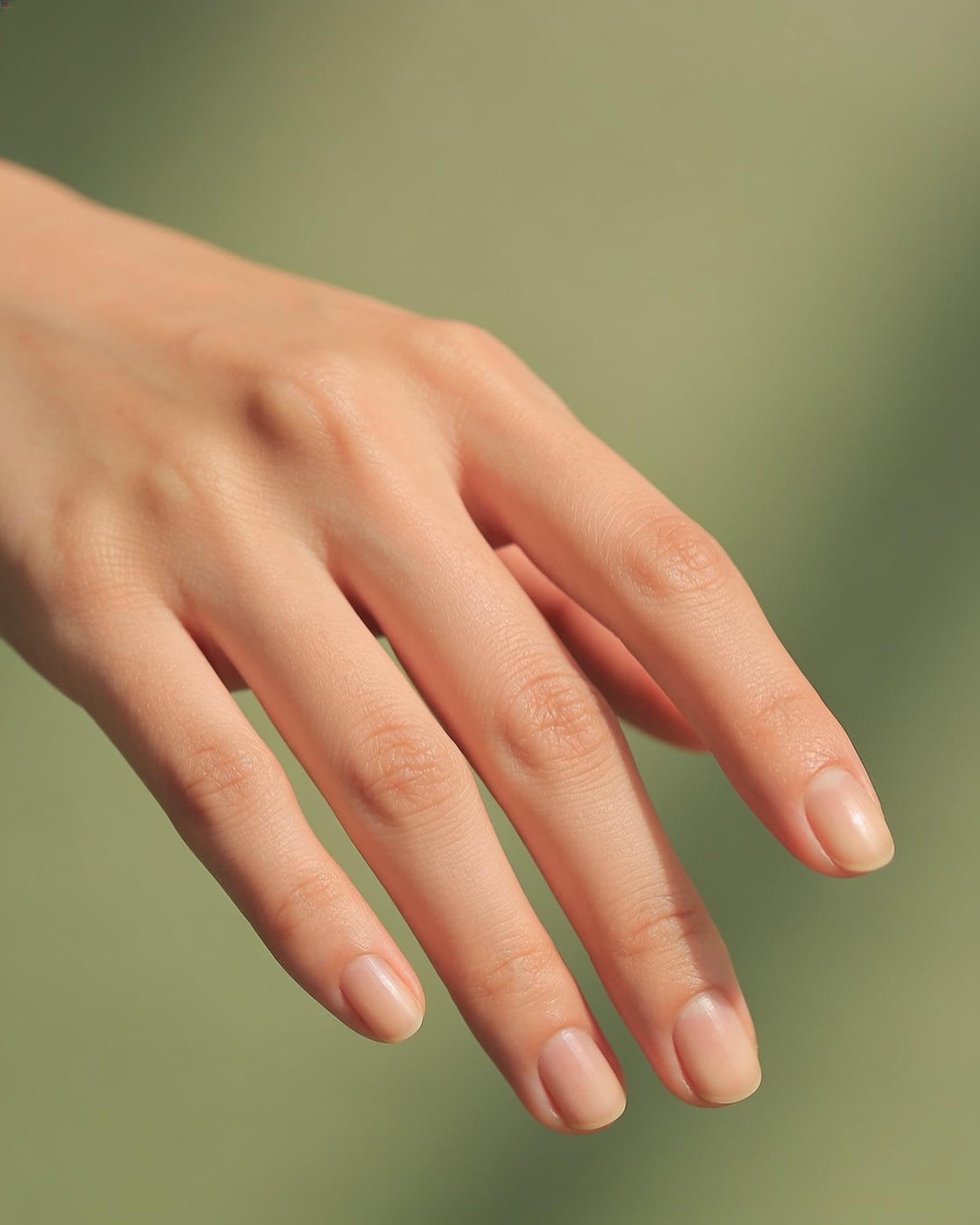
- One clear, well-lit photo of your current nails
- Pick a saved look or describe the set you want
- Generate two options, not ten
- Save the winner for your appointment
What can AI try-on actually show you before you book?
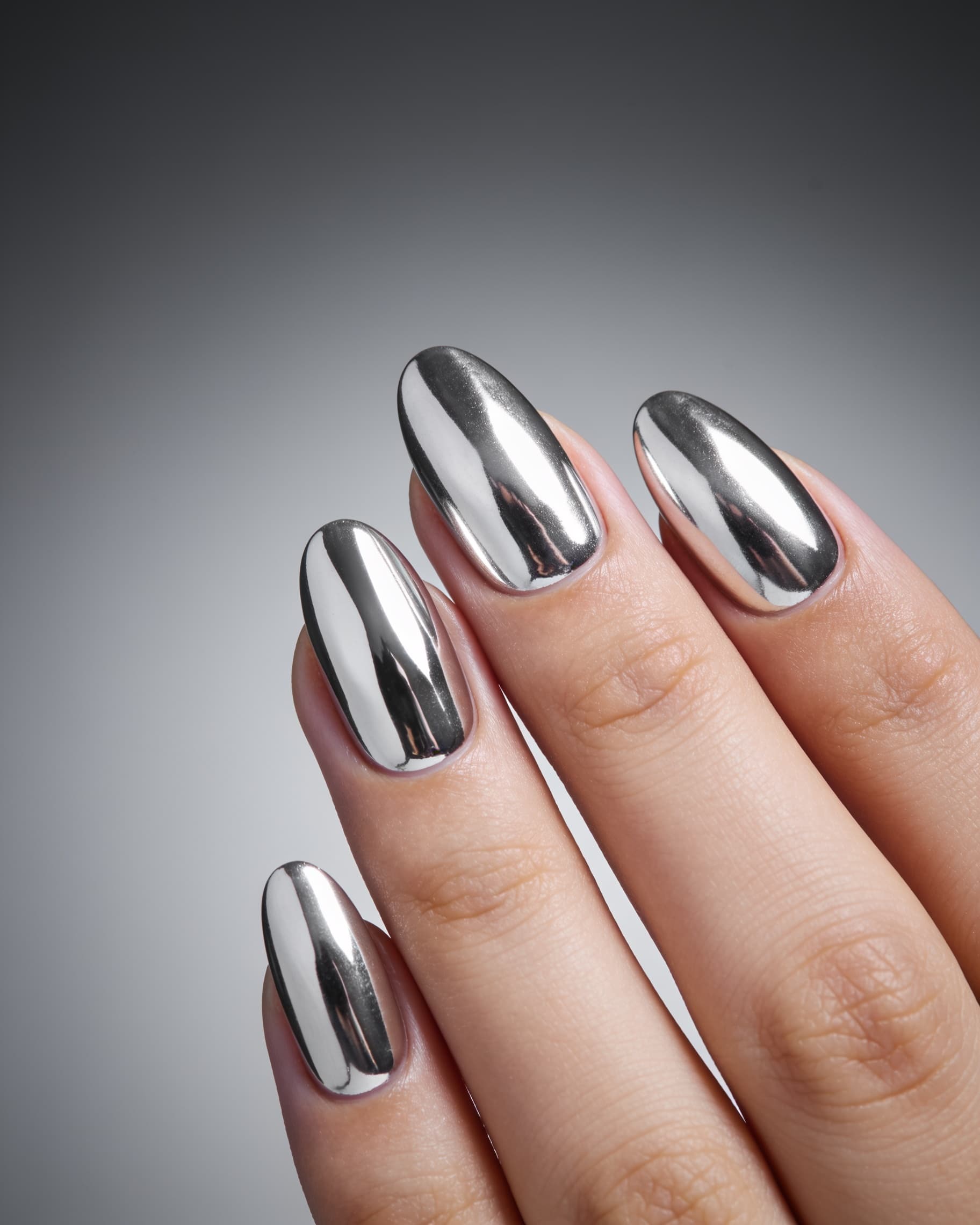
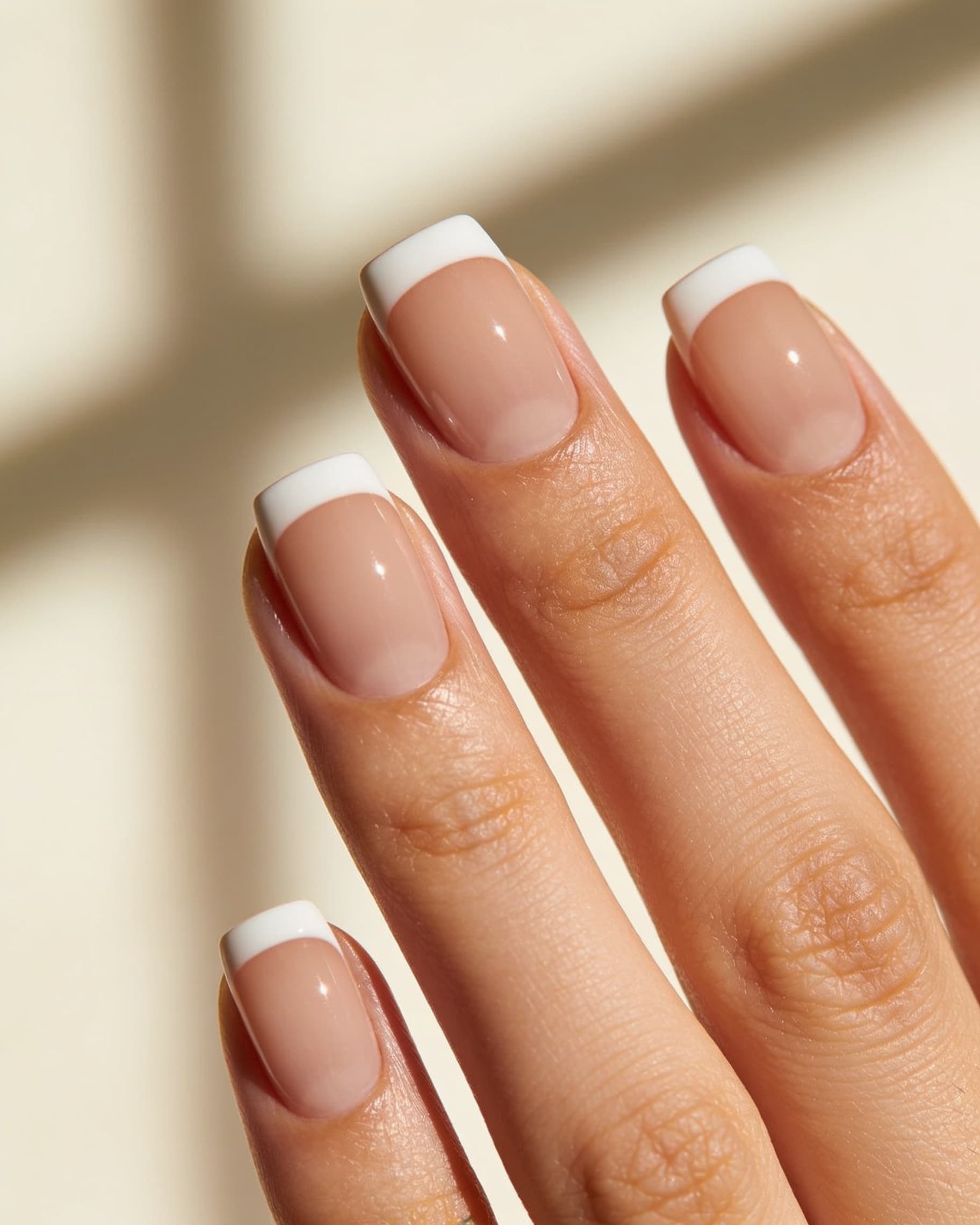
Try-on is strongest on the things that make people unhappy at the chair: proportion, color against skin tone, and how busy the art reads at arm's length. A wide French tip that looks elegant on long almond can swallow a short square nail. Deep chrome that pops in a salon photo can look gray on cooler skin. You see that in the preview instead of at checkout.
It also settles coverage arguments with yourself. Full set or two accent nails. Micro French or thick tip. One gem line or a whole bed of stones. Compare chrome against a classic French on the same hand and the choice usually becomes obvious in a few seconds.
- Scale: tip thickness, art size, and how much plate stays clear
- Color: how a shade reads against your skin tone
- Coverage: full set versus accent nails
- Shape pairing: which design suits your current length
Generate two, not twelve
Make the look you saved, then a slightly toned-down version. Choosing between two options is fast. Scrolling twenty renders is how people book nothing.
What can AI nail try-on not show you?
A preview is a picture, not a service quote. It will not tell you how thick the gel will be, how an apex is built, or whether your tech sculpts or uses tips. It does not predict wear: how many days before a chip, how the free edge holds up if you type all day, or how sunscreen dulls a topcoat on vacation.
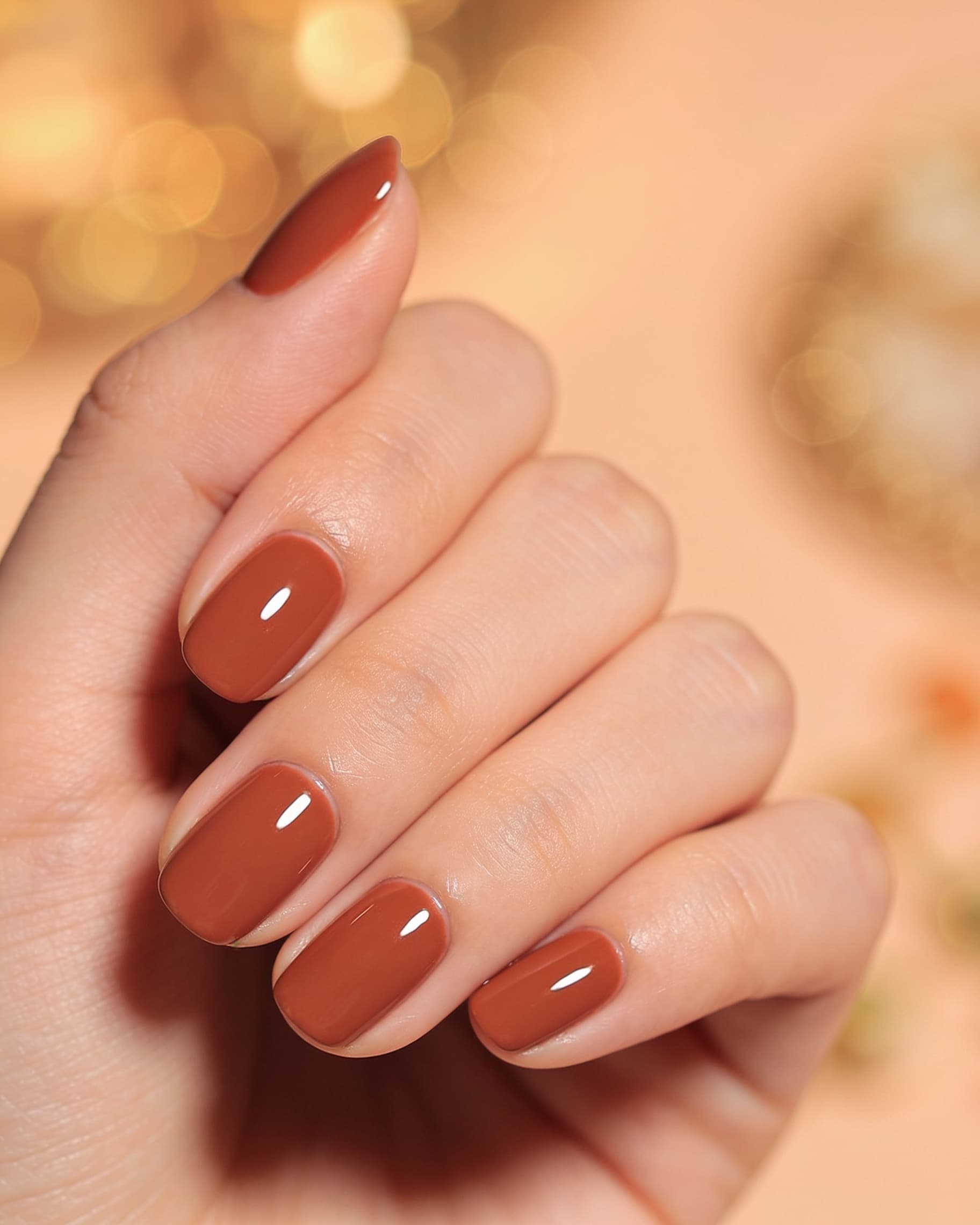
It is also not a promise about texture. Raised 3D charms, hand-painted fine lines, and encapsulated glitter depend on your tech's skill and product line. Treat the render as the target, then ask what is realistic in one appointment. Techs work through this exact gap, which is covered in AI for nail techs.
- Not a durability forecast
- Not a price or appointment length estimate
- Not a guarantee of hand-painted detail or 3D height
- Not a substitute for asking about your natural nail health
How do you use the preview at your appointment?
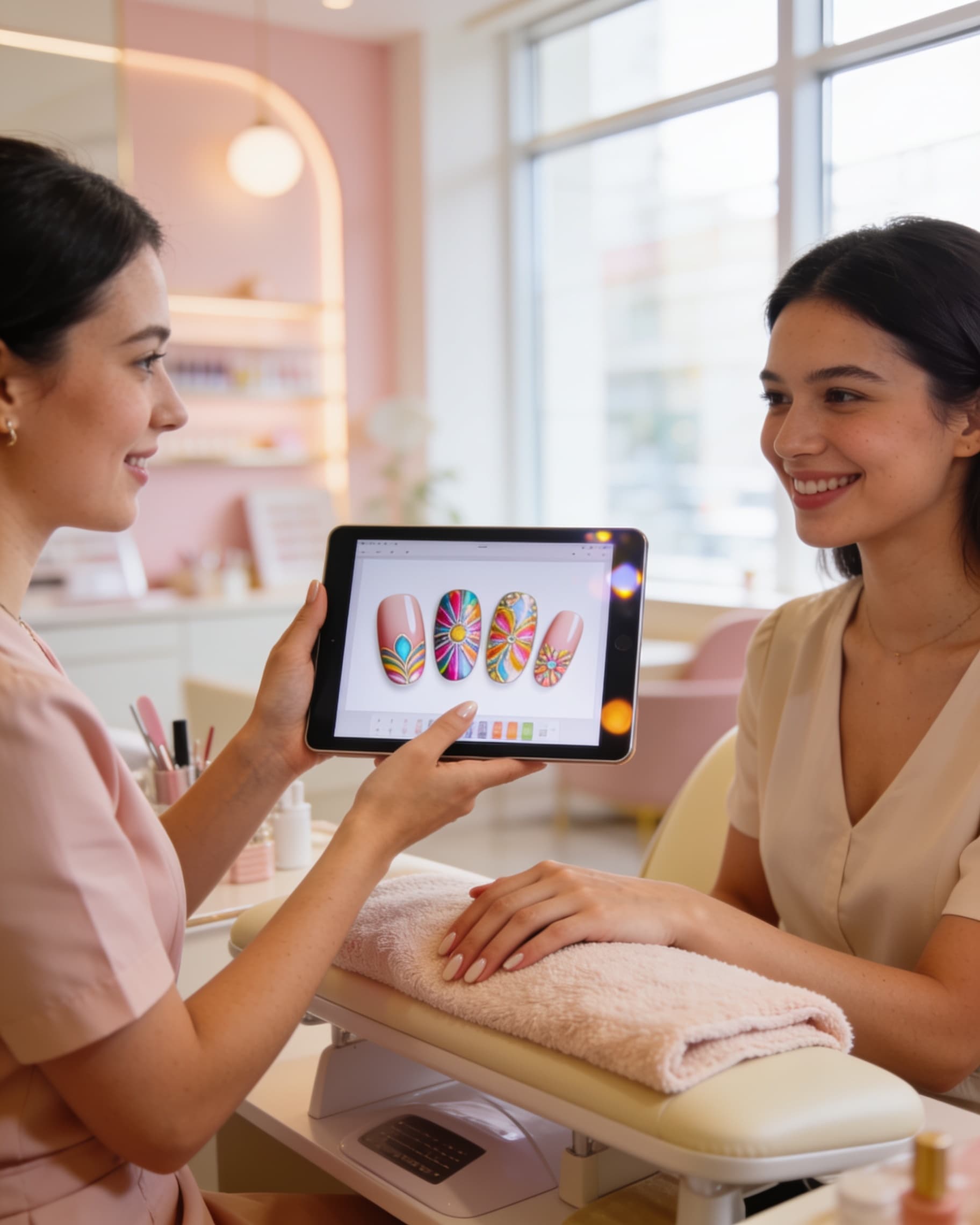
Send the saved image when you book, then show it again at the chair. Name four things: length, shape, where the art sits, and how much height you can live with. That is the whole consult. Techs would much rather scale one clear reference than interpret a folder of ten screenshots from different hands.
Say which service you want, in the words your salon uses: gel-x, hard gel, BIAB, acrylic fill, or a regular gel polish set. Then ask the useful question: is this doable on my current nails today, or does it need an overlay and more length? If you are still choosing a salon, browse find salons and send the preview when you request the slot.
- Length: keep current, or add an overlay for extension
- Shape: short square, oval, almond, coffin
- Placement: tips only, accent nails, or full set
- Height: flat paint, small gems, or raised 3D
Does try-on work for short nails, wide nail beds, and deeper skin tones?
Yes, and those are the cases where it helps most. Inspiration photos skew long, slim, and evenly lit, so anyone with short beds, wider plates, or deeper skin tone is guessing more than average. Testing your own photo replaces that guess with something you can look at.
If your nails are short right now, preview the design at your real length first. Then decide whether you actually want the extension. Plenty of clients discover they wanted the palette, not the length. More scaling advice lives in short nail inspo, and softer options like Pink Aura Almond or Classic French Coffin are easy first tests.
How do you try on a manicure before your next appointment?
Five minutes, done the night before you book.
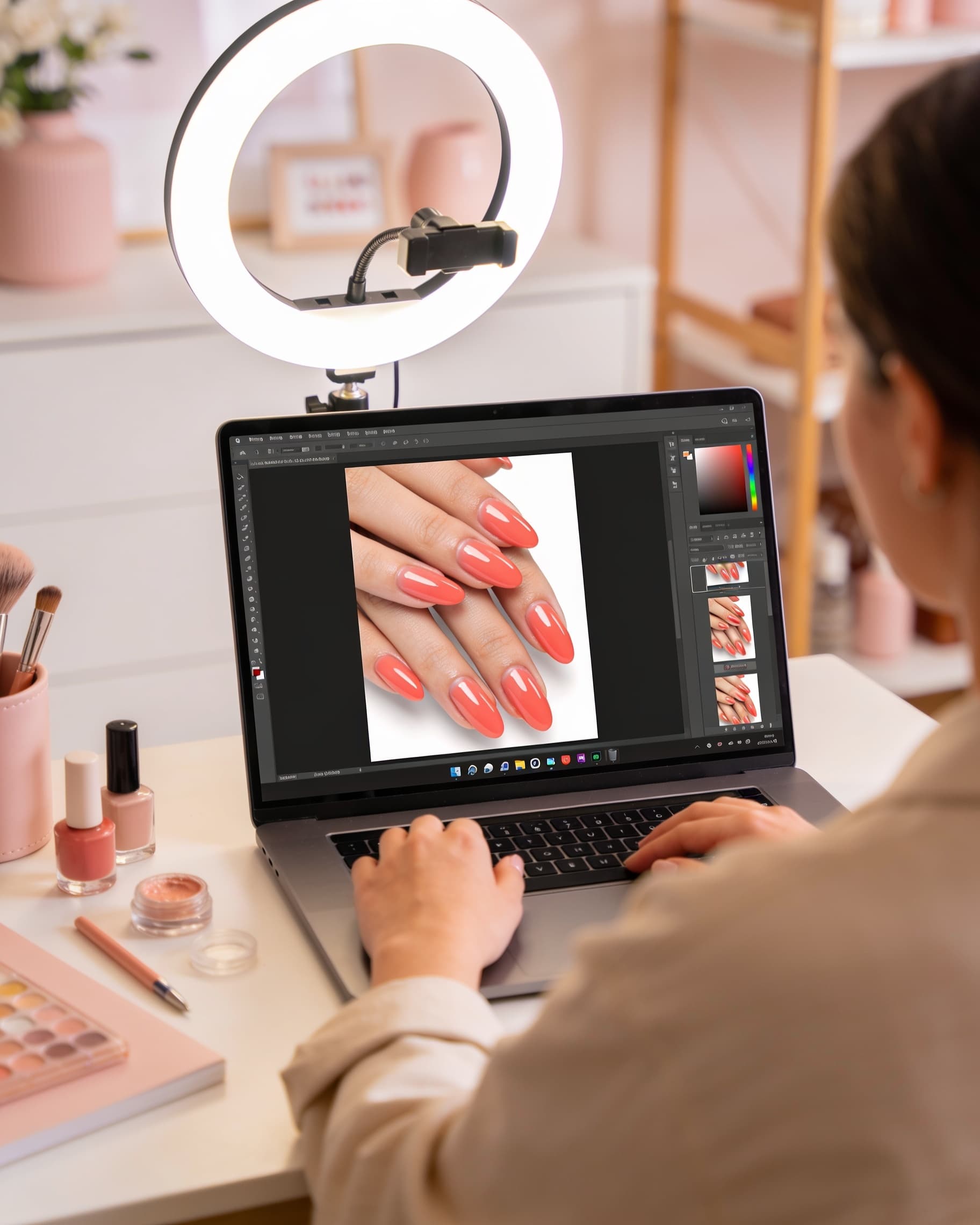
- 1Take one photo of your hand in daylight, nails relaxed and flat
- 2Open Studio and generate the look you saved
- 3Generate one wearable version: same colors, less height or a thinner tip
- 4Pick one, then write down length, shape, placement, and height
- 5Send it with your booking request, and browse nail inspo if you want a backup option
Bring plan B
Save a simpler second option. If your tech says the first set needs more length or another visit, you already have an answer instead of settling on the spot.
Frequently asked questions
- How accurate is AI nail try-on?
- It is accurate enough for design decisions: tip width, art scale, coverage, and how a shade reads on your skin tone. It is not a rendering of your tech's exact gel application, apex, or 3D height. Treat it as the brief you hand over, then confirm what is realistic in one appointment.
- Do I need long nails to try on a design?
- No. Previewing at your current short length is often the most useful test, because it shows whether you want the palette or the extension. See short nail inspo for scaling a long-nail look down without losing the trend.
- Can I show the preview to my nail tech?
- Yes, and it shortens the consult. Send it when you book and show it at the chair with four details: length, shape, where the art sits, and how much height you want. Techs use the same workflow from their side, described in AI for nail techs.
- Is this better than a screenshot from Pinterest?
- A screenshot shows the set on someone else's hands, usually long, slim, and studio-lit. A try-on shows it on yours. Use saved photos for ideas, then preview the idea on your own nail beds before you commit to a three-week set.
- Does it work for gel-x, acrylic, or BIAB?
- The preview shows the design, not the enhancement method. Decide the look first, then ask your salon which service gets you there: gel polish, BIAB, hard gel, gel-x, or acrylic. Length and shape questions are the ones worth settling in the preview.
- What kind of hand photo works best?
- One hand, daylight or bright indirect light, nails relaxed and roughly flat to the camera, no heavy filters. Bare or grown-out nails are fine. Avoid dark rooms and extreme angles, which make the nail plate hard to read.
Preview your next set on your own hands
Upload one hand photo, generate the look you saved, and take the preview to your appointment.