
AI for Nail Techs in 2026: Handle Screenshot Requests and Book with Confidence
How nail techs use AI in 2026: try on screenshot requests, cut redos, and post without extra shoots. A practical loop for booth renters and salon chairs.
By NailMock Team
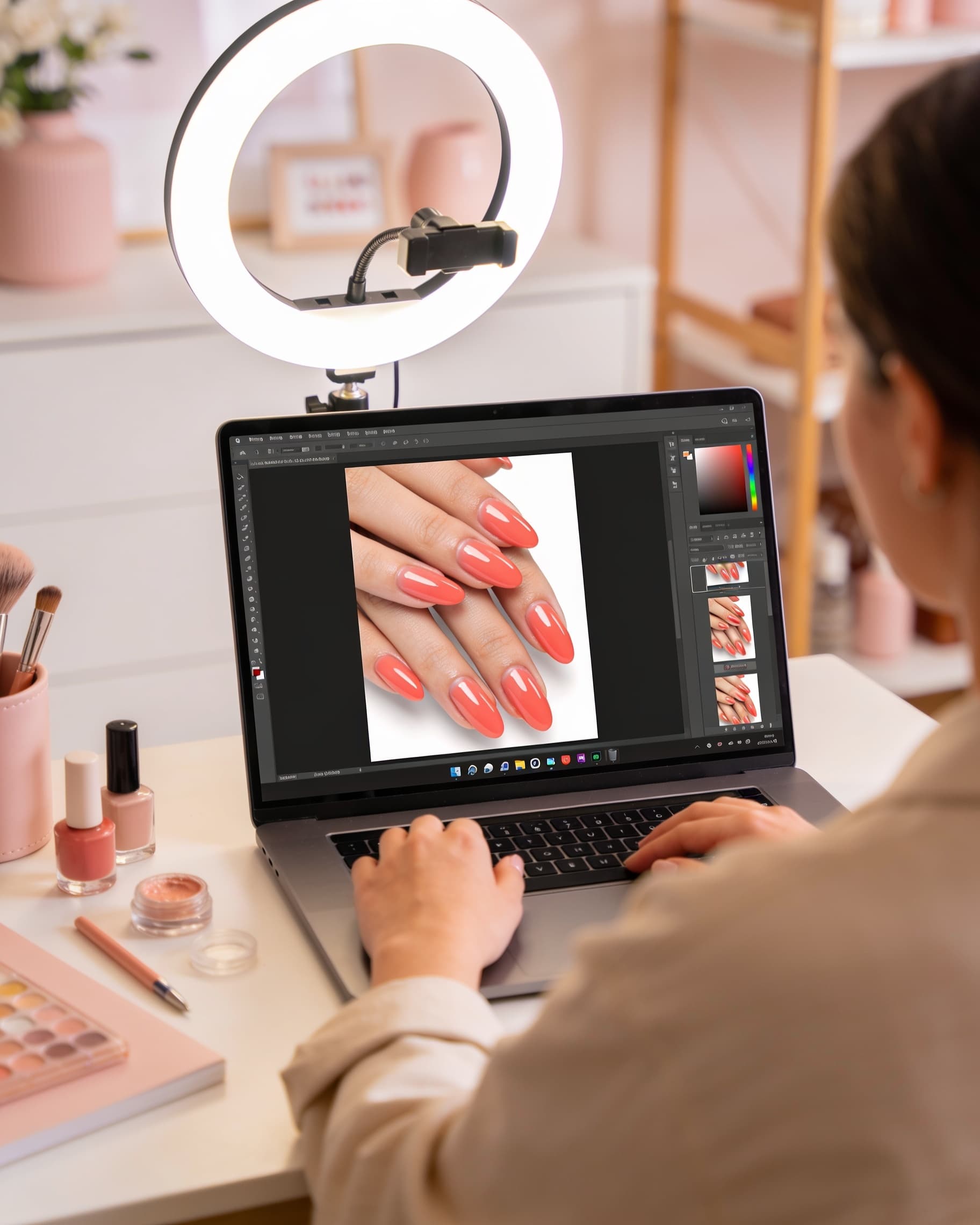
Most nail techs already do AI work without calling it that: clients send five screenshots, you guess scale, then hope the set matches. A better loop is to try the request on their real hands first, agree on coverage, then save the winner for the next fill and for posts. This guide is for solo techs, booth renters, and chair renters. If you run a full floor, use the companion piece on how nail salons use AI.
How should a nail tech use AI with screenshot requests?
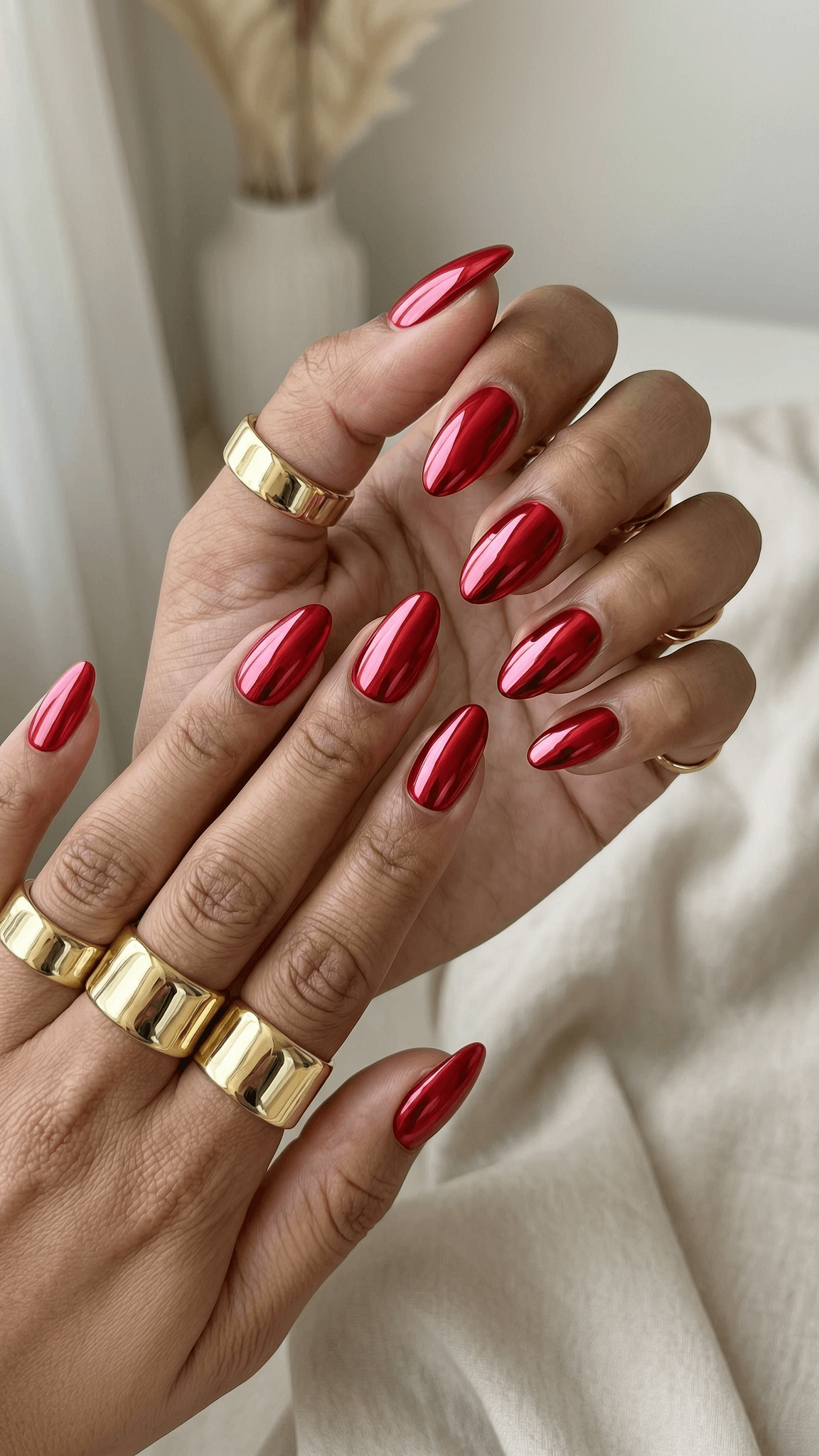
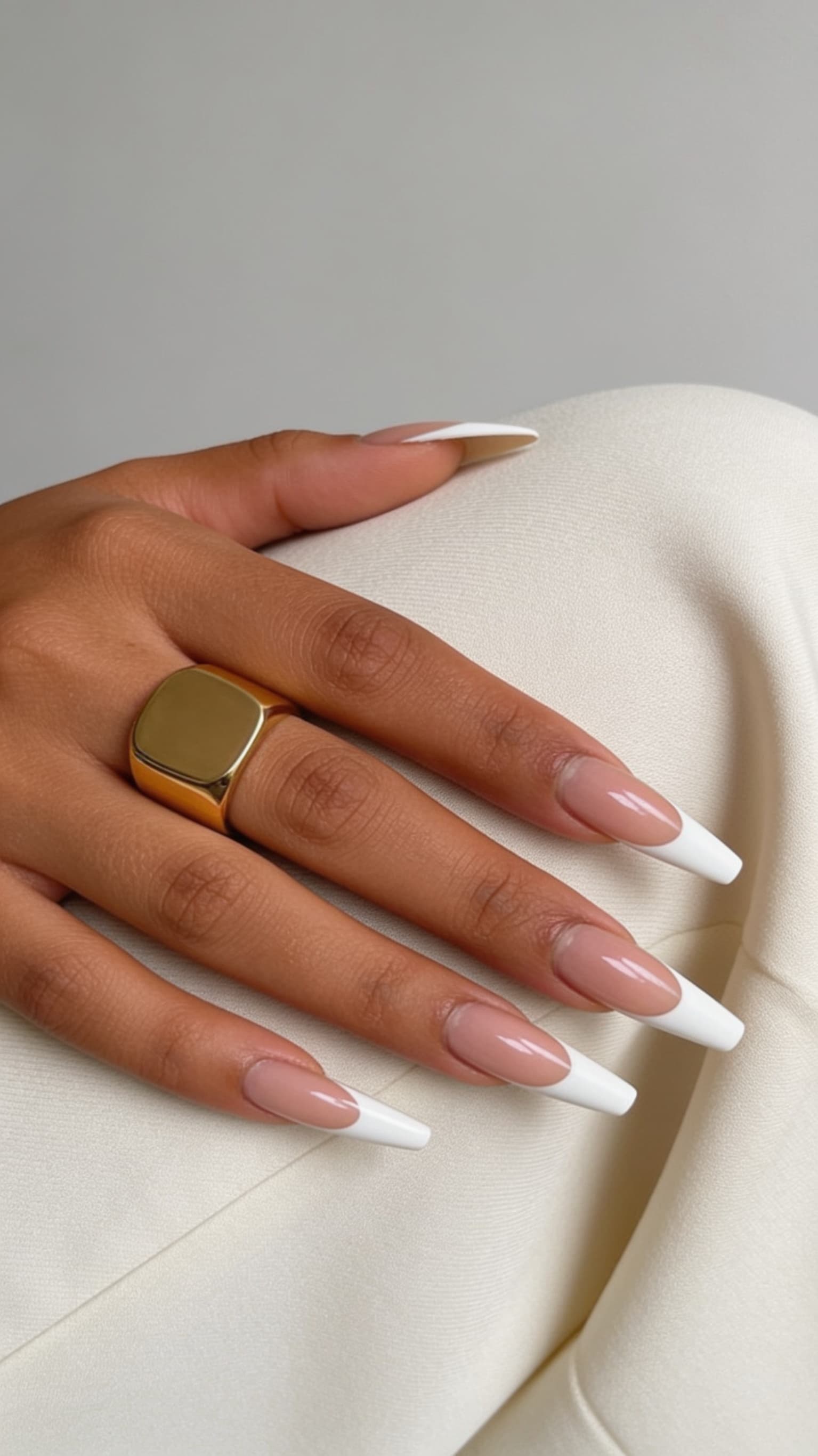
Ask for one clear photo of their current nails, then generate the look they sent, not five random cousins. Pull close matches from nail inspo when the screenshot is blurry. Try Red Chrome Almond or Classic French Coffin on their photo so they see tip width and length on their own beds.
Send back two options max: the request, plus a wearable version (same colors, less 3D or a shorter free edge). Ask them to reply A or B before they sit down. That DM becomes the ticket. NailMock Studio is the try-on step. Salon teams can keep the same file in a shared workspace on for salons.
- One current-hand photo, not a mood board of ten girls
- Two try-ons: exact request vs scaled-down version
- Write shape, length, accent count, and height in the booking note
- Save the approved still for the next fill
What should you try on before you quote a set?
Quote after you see length. A stiletto chrome set on short natural nails is a different ticket than the same chrome on a long overlay. Short nail clients often want the palette, not the height. Show that in the preview so the price and time match the work.
Do the same for ombre fade length and French tip thickness. If the client still wants the long version, the preview is your consent trail: they chose overlay, not a surprise at the table.
Price the version they picked
If option B is a micro French and option A is full chrome with gems, those are two different deposits. Put the chosen letter in the booking.
How do booth renters keep AI from eating chair time?
Move try-on off the table. Run it in DMs, at check-in, or the night before. Chair time is for prep and product, not scrolling. Cap generation at two looks unless they paid a design consult fee.
Booth renters do not need a whole team dashboard on day one. They do need a gallery of their own style, a try-on they can send back, and a post workflow. When you hire a second tech, graduate to the salon workspace so credits and client history are shared. Until then, keep one NailMock login and a folder of approved stills per client.
Can nail techs use the same AI look for Instagram and bookings?
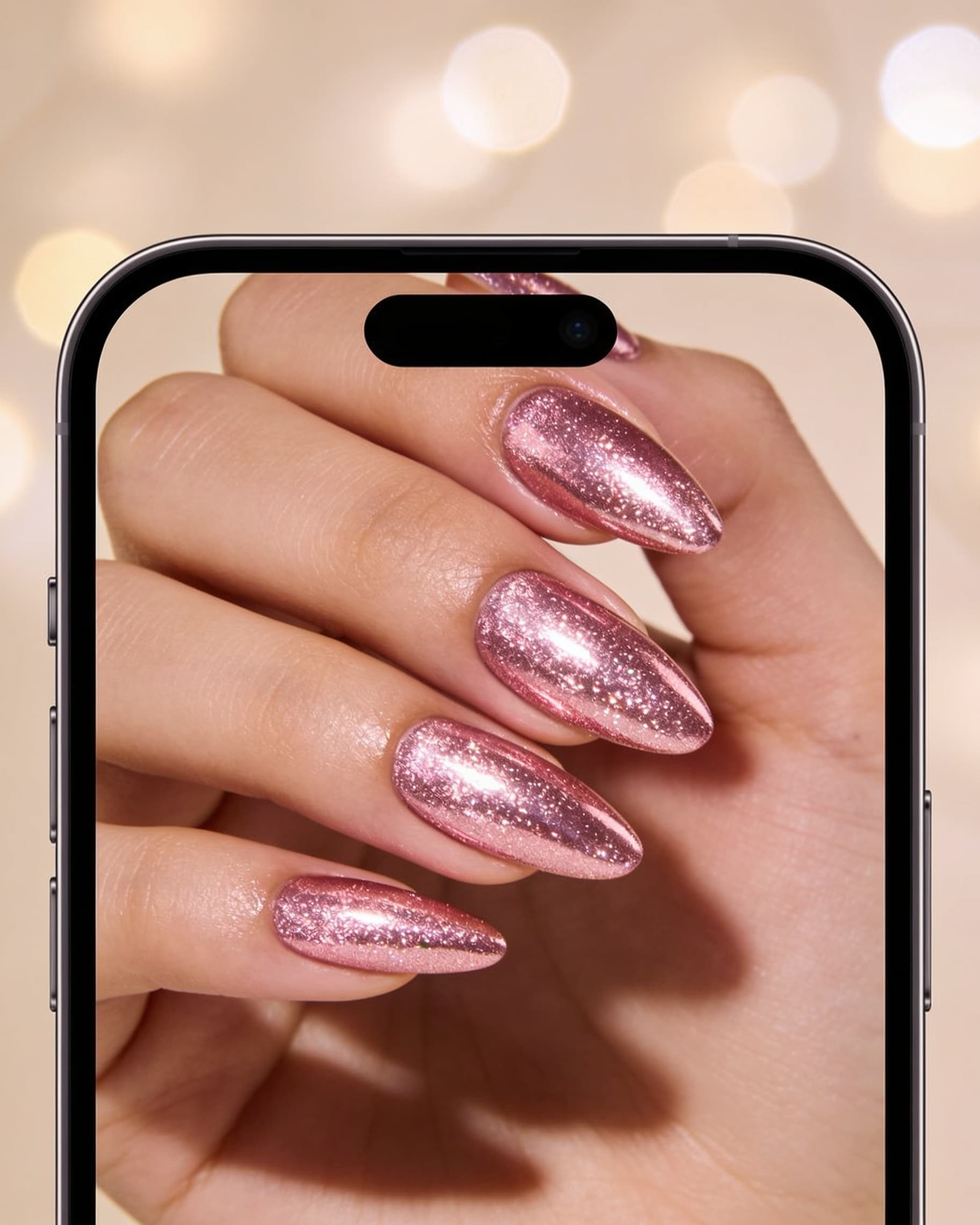
Yes, with consent. The still you approved in DMs is already a cover. Turn it into a carousel with the viral content maker, add your city in the first line, and end with openings this week. Hands only unless they said you can show their face.
Creators who also take clients can keep a public gallery and collab path on for creators. Techs who only want bookings should optimize for local saves, not nationwide views. For cadence, use how to create viral nail content.
What is a simple AI loop for a busy nail tech?
Use this when you work alone and still want a repeatable system.
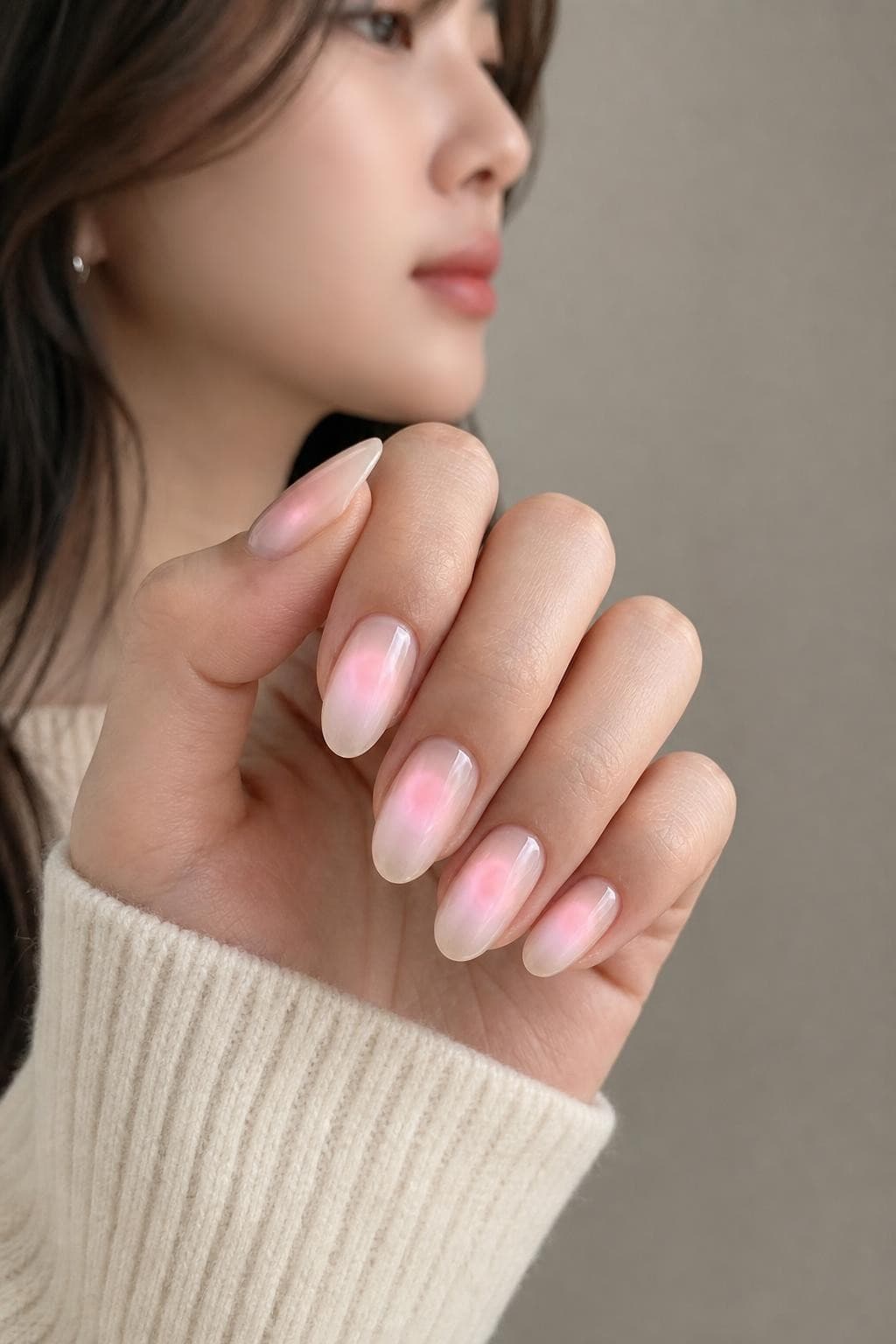
- 1When a screenshot arrives, ask for one current-hand photo
- 2Generate the request plus a wearable version in Studio
- 3Get A or B in writing, then confirm time, price, and deposit
- 4After the set, save the still. Optional: post it via viral templates
- 5Next fill: open last month's preview instead of a new hunt
AI does not replace your hands
Try-on will not balance a fill or catch lifting. It only locks the brief so you spend chair time on the set they already chose.
Frequently asked questions
- How can nail techs use AI with clients?
- Ask for a current hand photo, try on the screenshot they sent, and send two options. Get a written pick before the appointment. NailMock Studio handles try-on. For a salon floor with multiple techs, see how nail salons use AI and for salons.
- Is AI useful if I rent a booth and work alone?
- Yes. You do not need a full team workspace on day one. You need try-on for DMs, a saved still per client, and a way to post without extra shoots. Add a shared salon plan later if you hire help.
- Will AI consultations replace my design skill?
- No. Clients still hire you for prep, structure, and wear. AI only shows whether their screenshot fits their nail beds so you do not rebuild the design mid-service.
- How do I use AI without slowing my appointments?
- Keep try-on in DMs or the night before. Two generations, then a yes. Do not browse inspo at the table unless they paid for a consult block.
- Can I post AI nail previews on Instagram or TikTok?
- Yes if the client agrees, and say when a post is a preview versus the finished set. Templates in the viral content maker turn an approved still into a carousel with a booking CTA.
Try the brief on their hands first
Preview screenshot requests, save the winner, and turn booked looks into posts. Built for techs and salon teams.