
NailMock vs YouCam Nails
YouCam Nails is the most established name in nail try-on. It is also solving a different problem than NailMock, and the difference decides which one you want.
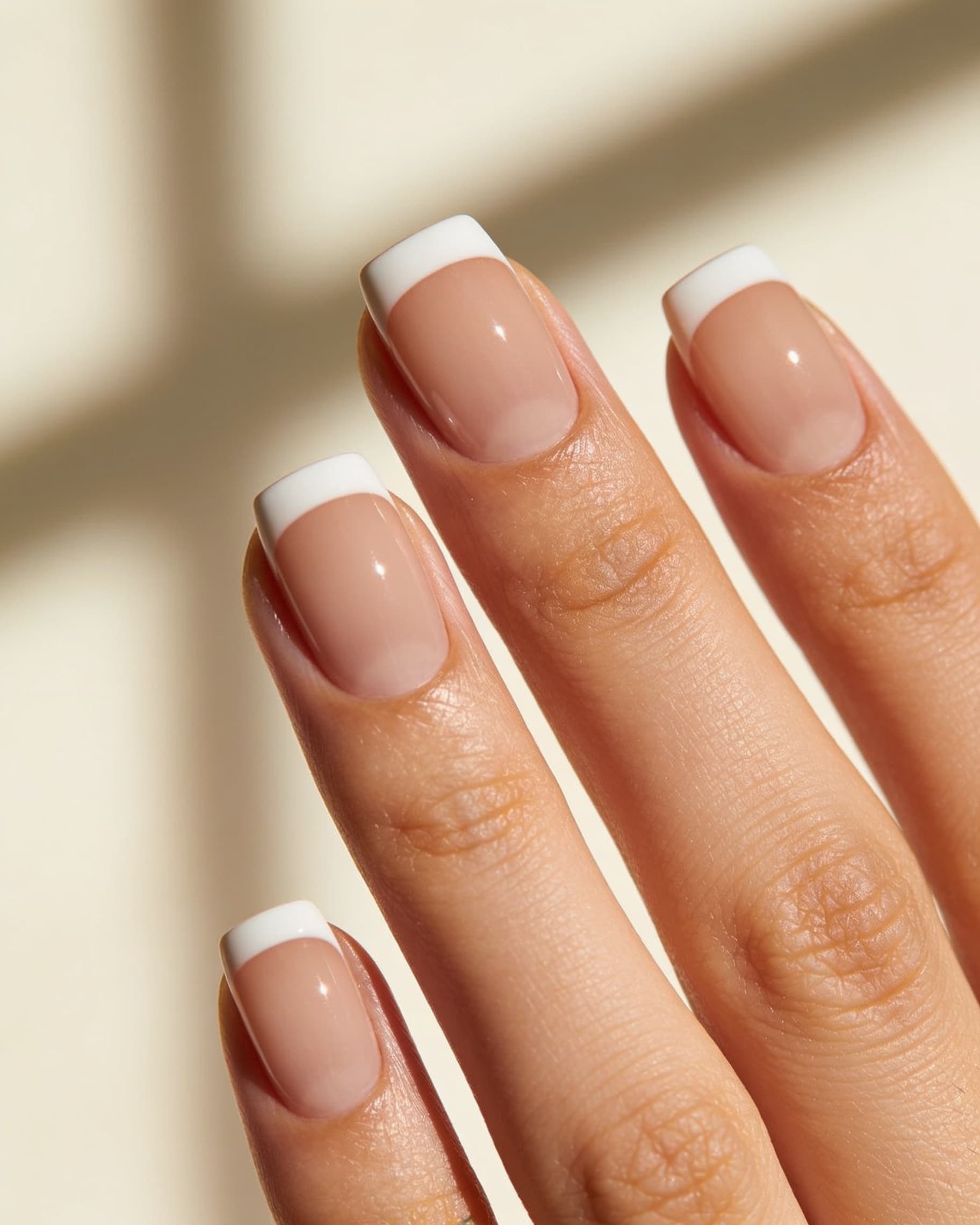

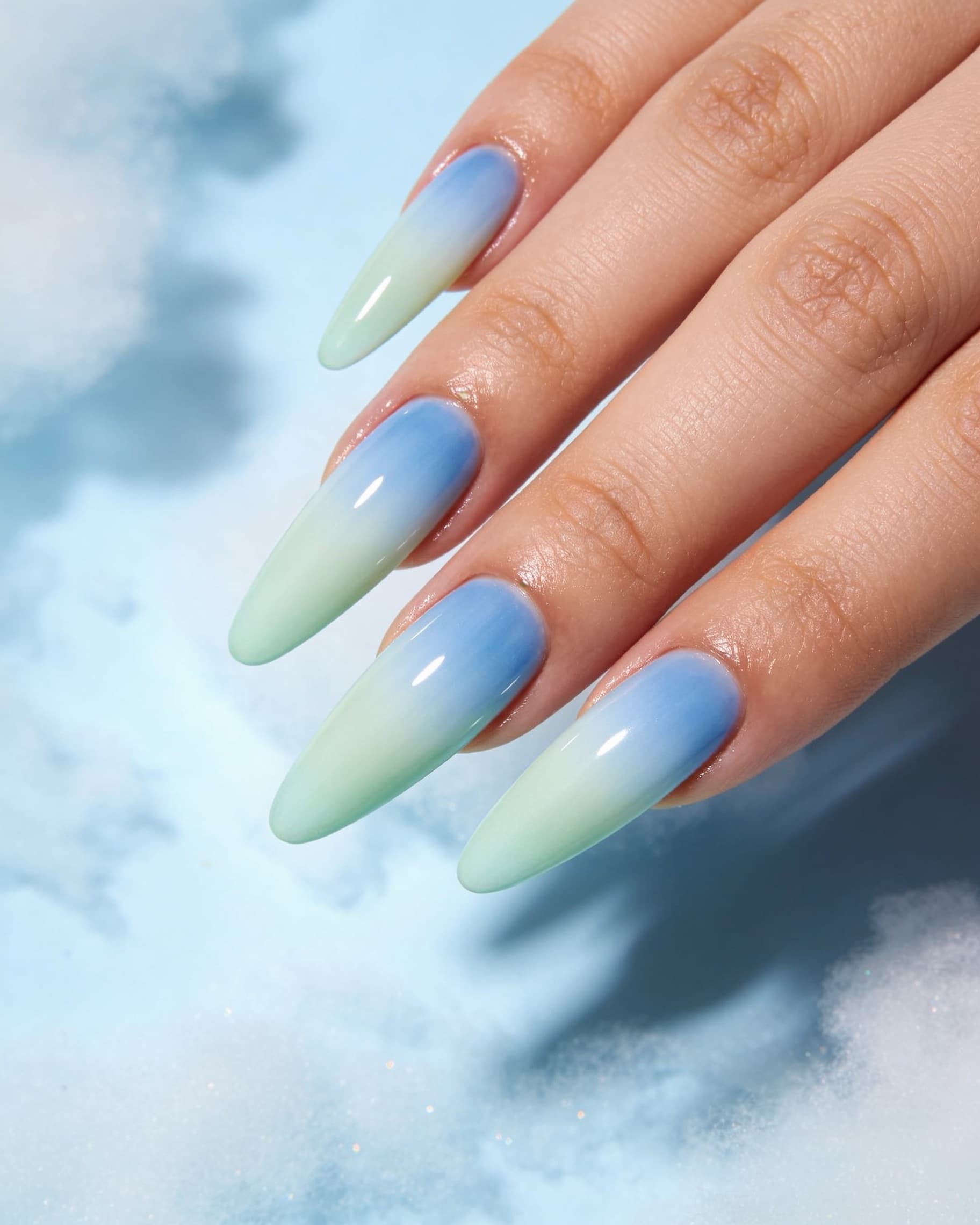
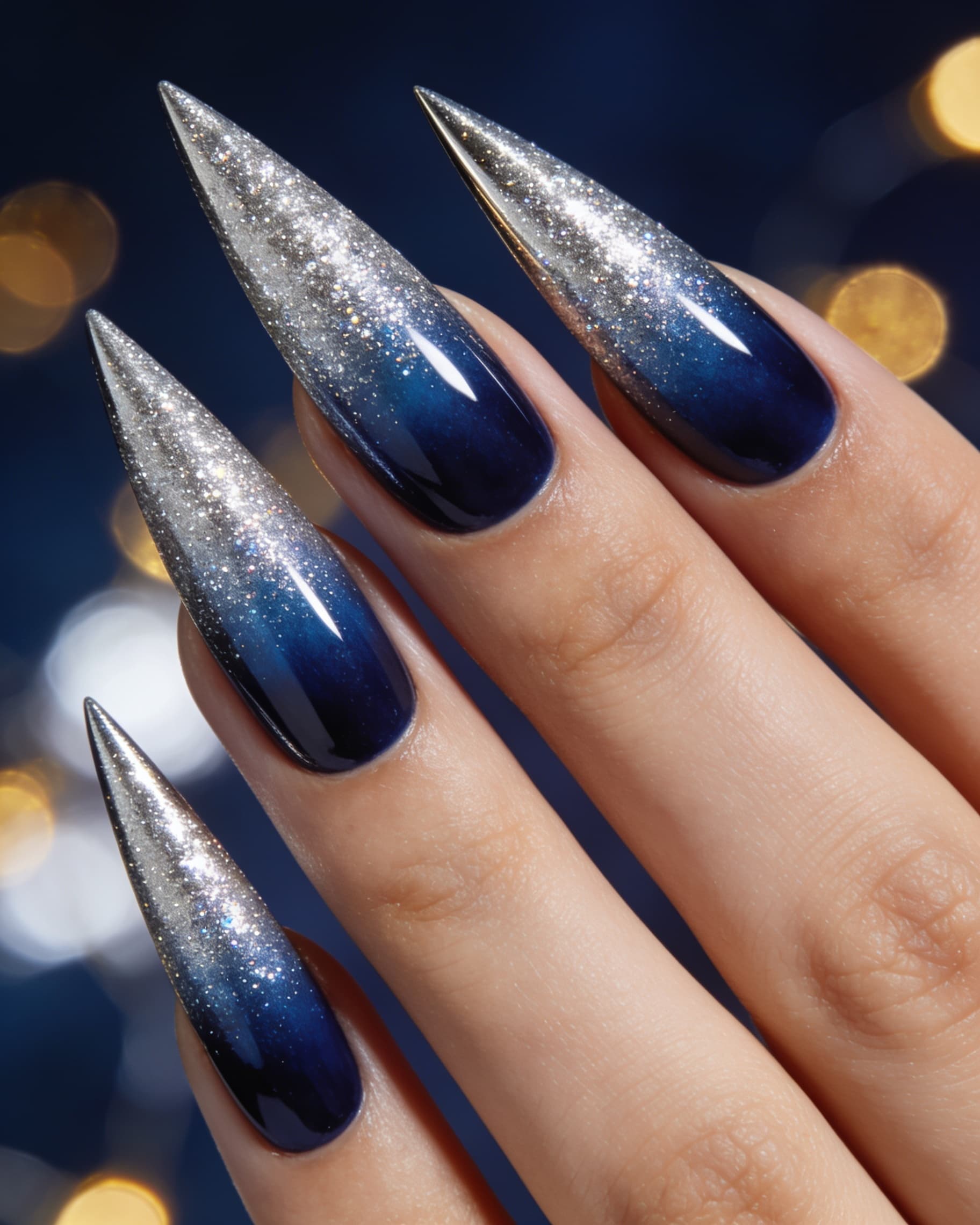
YouCam Nails is a phone app from Perfect Corp, the AR beauty company listed on the NYSE as PERF. You point the camera at your hand and a design tracks your fingers in real time, using what they call AgileHand hand mapping with jitter control. It ships more than 1000 nail art looks, plus an editor for colors, patterns, jewels, decals, textures, and nail shape.
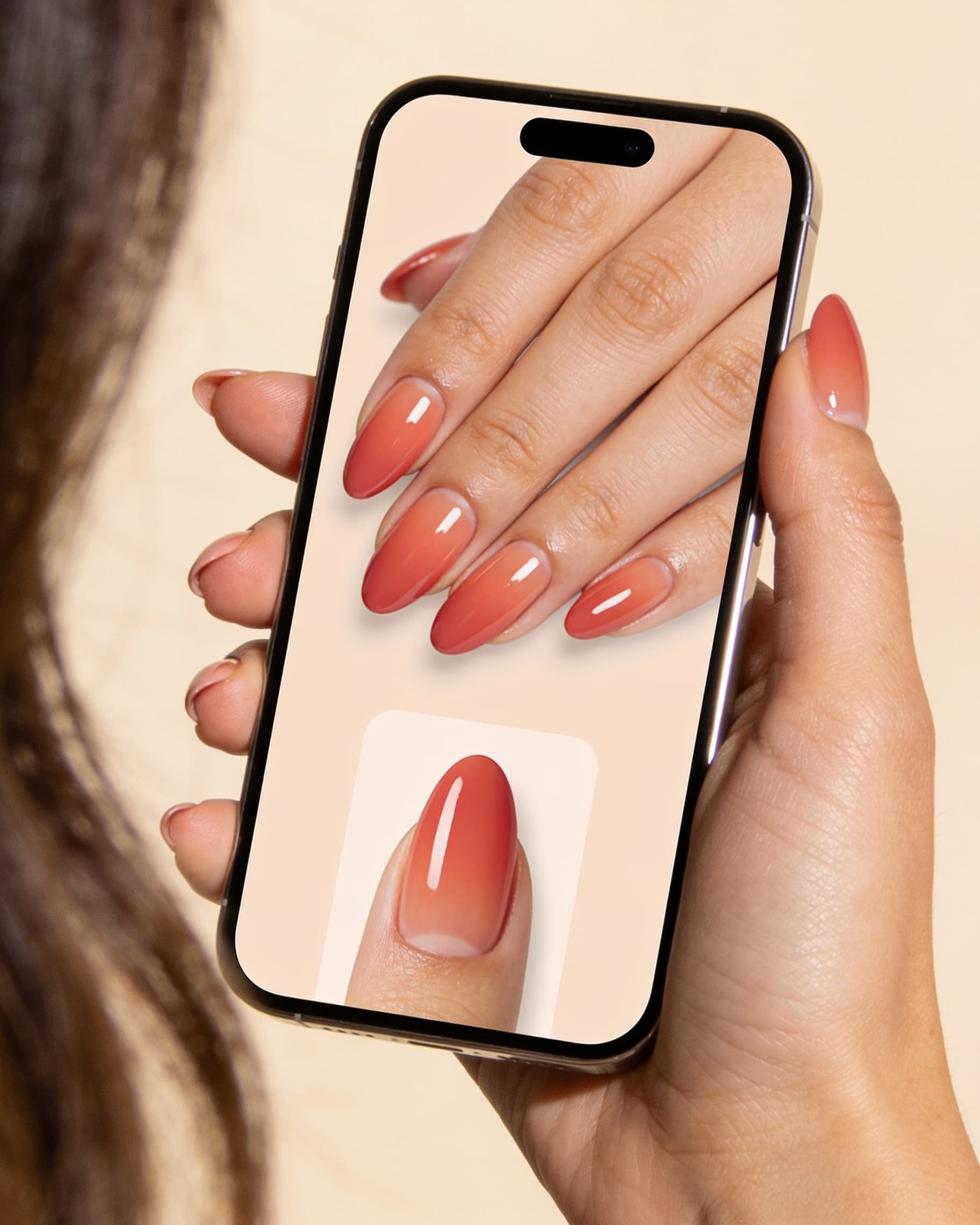
NailMock is a web app. You upload a photo of your hand or foot, optionally attach the design you actually want to copy, and get a still AI mockup you can save and send to your nail tech.
So the real question is not which is better. It is whether you want to watch polish move under a live camera or reproduce one specific design and walk into a salon with it.
The difference most comparisons miss
YouCam Nails paints from its own catalog. There is no button in the consumer app to hand it the set you saved from Instagram and say "this one, on me." You browse their library, or you build a look in their editor.
Perfect Corp does have reference-photo technology. Their AI Nail Transfer API takes a reference design and transfers it onto a hand. But that is a business integration sold to brands and retailers, not a feature of the app you download. If you are a shopper with a saved screenshot, the API is not available to you.
NailMock is built around that exact input: attach one or more reference images with your hand photo, and the render targets the design you brought. That is the gap this page exists to explain.
Side by side
| NailMock | YouCam Nails | |
|---|---|---|
| Try-on model | Upload a hand or foot photo, get a generative still mockup | Live camera, real-time AR overlay that tracks your fingers |
| Bring your own design | Yes. Attach one or more reference images, or describe the look | Noin the app: its own 1000+ library and editor. Perfect Corp's reference-photo AI Nail Transfer is a separate business API |
| Hands / feet | Hands or feet, stated on the homepage | Hands and nails |
| App download | No. Browser, phone or desktop | Yes. iOS and Android, both listings confirmed |
| Real-time finger tracking | Not offered. There is no live camera mode | Yes, and it is their headline strength. AgileHand hand mapping with jitter control keeps the design in place as you move |
| Design library | Style presets plus nail inspo; the reference upload matters more than library size | 1000+ looks, seasonal collections, stickers, jewels, decals, and a community feed |
| Save for your tech | Private gallery; send the still when you book | Snap a photo in live mode and share it |
| After the preview | Find salons, shop supplies, and a creator portfolio | Share to the YouCam community. No salon booking in the consumer app |
| Personal price | Free (inspo, shop, find salons); $9/mo (80 credits); $29/mo (280); packs from $29. Source: our pricing page | Free with in-app purchases. App Store lists Premium at $5.99 to $7.99 monthly and $22.99 to $31.99 yearly, varying by region |
| Salon option | Salon plans from $59/mo, 7-day trial: chair-side sessions, staff, shared credits, online booking | Served through YouCam for Business and Perfect Corp's API, not the consumer app |
What YouCam Nails is better at
- Live AR, done properly. Perfect Corp has been shipping AR beauty for years and specifically engineered jitter control so the design does not drift as your hand moves. NailMock has no live mode at all.
- Library depth. More than 1000 designs, seasonal collections, and a full editor with stickers, jewels, decals, and textures. Great for browsing when you do not know what you want yet.
- Free browsing. You can explore a lot without paying, and it is on both iOS and Android.
- A community. You can share looks, follow other users, and try sets other people built. NailMock has no social feed.
If your goal is to play with color and see it move on your hand, YouCam Nails is the stronger product and it is not close.
What NailMock is better at
- Copying a specific design. Attach the screenshot you saved and render it on your hand. This is the single biggest functional difference between the two.
- A still you can send. Booking usually needs an image your tech can look at, scaled to your nails, not a live overlay you have to describe afterwards.
- Feet. Pedicure previews are covered. YouCam Nails is hands and nails.
- No install. Browser on desktop or phone.
- The salon path. Nearby salon discovery for shoppers and a real salon workspace for studios, on the same account.
Price, stated carefully
NailMock Personal Free includes nail inspo, shop, and find salons. Paid plans are $9/month (80 credits) and $29/month (280). Most stills cost 1 credit per look. Credit packs start at $29. Salon plans start at $59/month with a 7-day trial. Source: nailmock.com/pricing.
YouCam Nails is free to download with in-app purchases. Its App Store listing shows several Premium tiers, with monthly options around $5.99 to $7.99 and yearly options around $22.99 to $31.99, which vary by storefront and region. Read as of 28 Sep 2026. We do not restate a single headline price because the listing does not publish one.
Who should use which
- Use YouCam Nails if you want to browse a big library and watch color move on a live camera, on iOS or Android, for free or close to it.
- Use NailMock if you already have a design in mind, you want a saveable still on your own hands or feet, you would rather not install anything, or you are the salon.
- Use both if you browse color in AR, then reproduce the winner as a photo mockup for the appointment. Nothing stops you.
Try the mockup in the browser
Open NailMock or read the category explainer. For the full field including Glazii, Agalaz, and the AR apps, see AI nail try-on tools compared. Closest AR comparison: NailMock vs CutieCure.
Common questions
Reference-design upload, live AR, platforms, and price.
- Is NailMock a YouCam Nails alternative?
- For "render this exact design on my hands and send it to my nail tech," yes. For real-time AR on a live camera feed, no. Live tracking is YouCam Nails' core strength and NailMock does not do it.
- Can I upload my own nail design to YouCam Nails?
- Not in the consumer app. Designs come from its own library of 1000+ looks and its in-app editor. Perfect Corp does sell an AI Nail Transfer API that accepts a reference photo, but that is a business integration for brands and salons, not the app you download. NailMock takes your own reference images directly.
- Which one is free?
- YouCam Nails is free to download with in-app purchases; its App Store listing shows Premium at roughly $5.99 to $7.99 monthly and $22.99 to $31.99 yearly, varying by region. NailMock Personal Free covers nail inspo, shop, and find salons, and AI try-on starts on Starter at $9/month.
- Does YouCam Nails work on Android?
- Yes, it ships on both iOS and Android. NailMock needs no install at all: it runs in the browser on either platform, phone or desktop.
- Which one works on feet?
- NailMock states hands and feet, so pedicure previews are covered. YouCam Nails is a hand and nail camera try-on.
- Can a nail salon use either with clients?
- NailMock sells salon plans from $59/month with a 7-day trial, including chair-side sessions, staff roles, shared credits, and online booking. Perfect Corp serves businesses through YouCam for Business and its API rather than the consumer YouCam Nails app.
Ready to see nails on your hands before you book?
Join salons, creators, and personal users using NailMock to preview designs, find deals, and shop matching materials.